
Landscape photographers who shoot brackets and focus stacks in the field often lose more time to disorganized sequences back at the desk than to the shooting itself. A bracket or stack only works if the frames stay grouped correctly from card to catalog; once that grouping is lost, reconstructing which frames belong together is slow and sometimes impossible.
Organizing Sequences at Ingest, Not Afterward
The single most important habit in this workflow is preserving sequence grouping at the moment of import, before any culling or sorting happens. Shooting each bracket or stack as a deliberate, uninterrupted burst (rather than mixing single frames and sequences together) and importing in capture order keeps sequences intact by default. Once frames from different sequences get shuffled by a sort-by-rating or sort-by-score action, reassembling which five frames belonged to which focus stack becomes a manual, error-prone task.
Picking the Base Frame Per Sequence
Not every frame in a bracket or stack needs individual review, what matters is identifying which sequence, as a whole, is worth taking forward. Sort by AI quality score at the sequence level rather than the individual frame level: a bracket with a sharp, well-exposed base frame and clean supporting exposures is worth keeping as a set, while a sequence marred by camera shake or a moving element between frames (a branch swaying in wind during a stack, for instance) is often not salvageable regardless of how good any single frame looks. This sequence-level triage is where most of the real time savings in landscape culling happen, since it collapses a review of dozens of individual frames into a review of a much smaller number of sequences.
What imagic Handles, and What Needs a Dedicated Stacker
It's worth being precise about where the workflow splits. imagic's AI culling, quality scoring, and batch editing handle picking the best sequences, applying consistent color and exposure correction across a stack's base frames, and RAW processing through its own built-in RAW engine. What it does not do is the actual merge: combining multiple exposures into one HDR image, or blending multiple focus points into one fully sharp frame, both of which need a dedicated stacking or HDR merge tool downstream. The practical split is: cull and correct in imagic, then hand the selected, corrected sequence off to a merge tool for the blending step itself.
A Practical Sequence Workflow
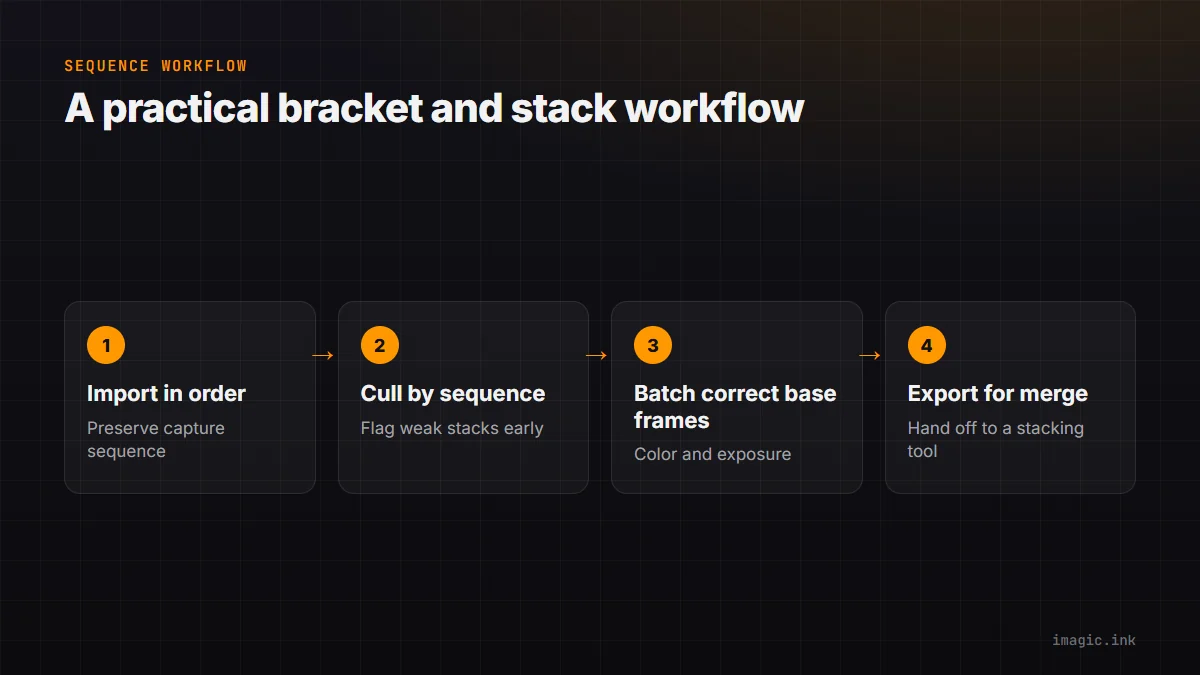
In order: import preserving capture sequence, cull at the sequence level using AI scoring to flag technically weak stacks or brackets early, apply batch color and exposure correction to the surviving base frames of each kept sequence, then export the corrected frames for merging in a dedicated stacking tool. This keeps the volume-friendly parts of the job (culling, batch correction) in the tool built for volume, and reserves the specialized merge step for the tool built specifically for that. See landscape photography batch processing for more on the batch correction stage, and working with DNG files for a common format in bracket-heavy landscape workflows.
Where This Saves the Most Time
The time saved is concentrated almost entirely at the culling stage: identifying which of 40 bracket sequences from a morning shoot are actually worth processing, before spending merge time on all 40, is a far bigger win than any speedup in the correction or export steps. A landscape photographer who cuts a session from 40 sequences to the 12 genuinely worth stacking has saved real merge time downstream, not just review time. See imagic for landscape photography for more on how this fits a broader landscape workflow, alongside the tips and workflow archive.
Frequently asked questions
Does imagic merge focus stacks or HDR brackets itself?
No, imagic handles culling, quality scoring, batch color and exposure correction, and RAW processing, then hands off to a dedicated stacking or HDR tool for the actual merge step.
How do I avoid losing track of which frames belong to which sequence?
Shoot each bracket or stack as an uninterrupted burst and import in capture order without an early sort-by-score action that could mix sequences together before you have reviewed them as groups.
Should I cull individual frames within a bracket, or the whole sequence?
Start at the sequence level, deciding whether the whole bracket or stack is worth keeping, then only drop to individual-frame review for sequences you have already decided are worth processing further.