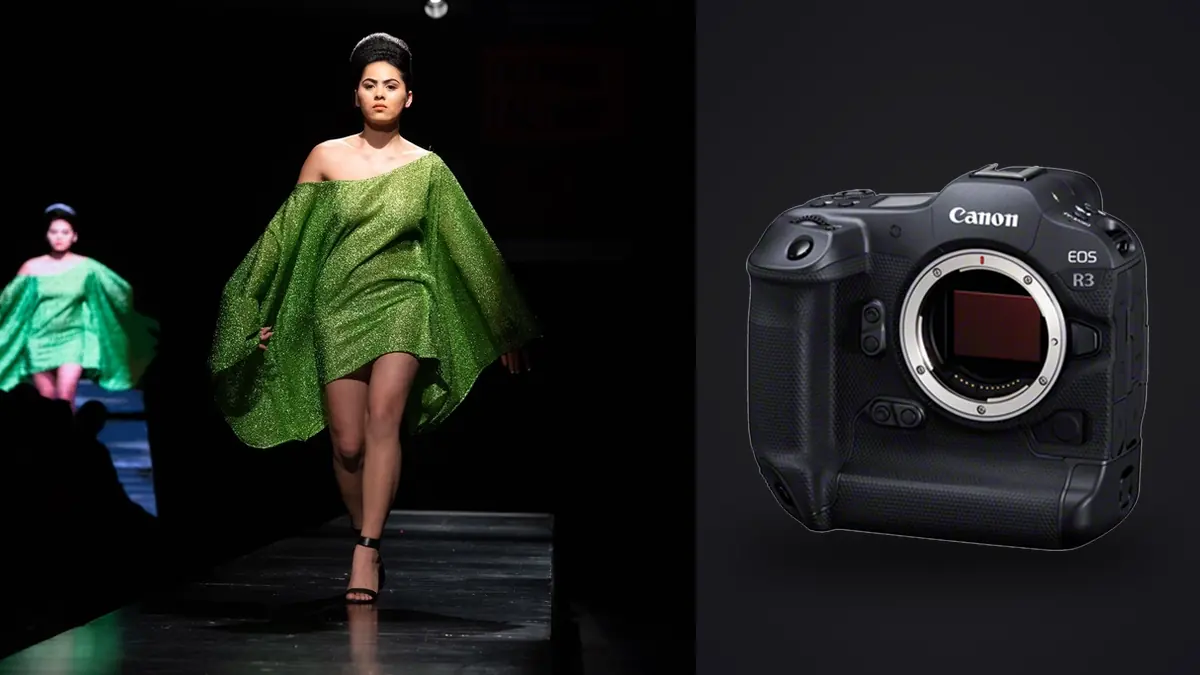
Picture booking an EOS R3 for a six-look lookbook job because a rental house has one sitting unused and the day rate is barely more than an R6 Mark II. You might go in expecting a sports camera wearing a fashion hat. The takeaway is a much narrower opinion than that: it's a genuinely good lookbook camera for some parts of the job and a slightly awkward one for others, and almost nobody talks about the awkward parts because the 30fps headline is more fun to write about.
Lookbook work has a specific rhythm that's different from a runway show or an editorial story. You've usually got a rack of six to twenty looks, a stylist steaming garments between setups, a client or two watching a tethered screen, and a hard out time because the model, the space, or the crew is billed by the hour. The camera has to keep up with that rhythm without becoming the bottleneck, and it also has to produce files a retoucher can actually work with once everyone's gone home. That's the lens I'm judging the R3 through here, not "is it a good camera" in the abstract.
The resolution question nobody warns you about
The R3's sensor is 24.1 megapixels. That number surprises people who expect a flagship-priced body to match or beat the 45MP R5. It doesn't, and Canon made that trade deliberately: the R3 uses a stacked, back-illuminated sensor built for readout speed, not pixel count, which is exactly why it can do a fully blackout-free 30fps electronic burst without the rolling shutter smear you'd get on a non-stacked sensor at that rate. For a straightforward lookbook page, 24MP is plenty. A single garment shot against seamless, delivered at web resolution or even a modest print catalog spread, doesn't need more. Where it gets tight is the crop request that always shows up on day two: the client wants the same frame reworked as a tight three-quarter crop for Instagram, then a square crop for the product grid, then a vertical crop for a story ad. Do that three times off a 24MP file and you're cropping into territory where a retoucher starts complaining about softness at 100%. On an R5 job I can absorb that kind of aggressive cropping without much thought. On the R3 I found myself framing a little looser than I normally would, specifically to leave room for crops I hadn't been asked for yet but knew were coming.
Where the burst rate actually pays off
The obvious use case is movement: a model walking toward camera in a coat that needs to show swing, hair flip shots, jewelry or fabric catching light mid-motion. At 30fps you get twelve to fifteen usable frames in the half-second window where a hem is doing something interesting, versus maybe four or five at a more typical 8-12fps. For a couple of "hero" movement shots per lookbook, that difference is real and I'd pay for it again. What I didn't expect is how much the high frame rate changes shooting behavior even on static looks. Because there's no blackout and almost no mechanical noise penalty, it's tempting to just hold the shutter down through a model's micro-adjustments between poses rather than firing single frames. That's a mixed blessing. You genuinely do catch a better expression or a cleaner hand position that a single-frame photographer would have missed entirely. You also walk away from a six-look shoot with four or five thousand frames instead of the six or seven hundred you'd get shooting more deliberately, and somebody has to sort through all of that before a single image reaches the client.
Eye Control AF: useful, but calibrate it before the client shows up
The R3 revived Eye Control AF from the old EOS 3 film body, and on paper it's built for exactly this kind of shoot: you look at the model's eye in the viewfinder and the AF point follows your gaze instead of you nudging a joystick. When it's dialed in, it's genuinely fast for reacting to a model who shifts weight or turns their head between poses. The catch is the calibration step, which takes a few minutes per shooter and needs redoing if you swap glasses, change your seated or standing shooting angle dramatically, or hand the camera to a second shooter for coverage. I've had it drift on me mid-afternoon under changing studio light and start grabbing a cheek or an earring instead of an eye, at which point I switched back to a manually placed AF point in Spot mode and didn't lose much speed doing it. My advice: calibrate it the morning of the shoot in the actual lighting you'll be using, not the night before at home, and don't be precious about turning it off if it starts fighting you. Standard Dual Pixel AF II with face and eye detection is reliable enough on its own that Eye Control AF is a nice-to-have, not something to build your whole workflow around.
How the R3 actually compares for lookbook work
Photographers debating whether to rent or buy an R3 for commercial fashion work usually end up cross-shopping it against the R5 (more resolution, less speed) and the R6 Mark II (cheaper, faster burst, smaller files). Here's how the three stack up on the criteria that actually matter for a lookbook day rather than a generic spec sheet:
| Criteria | EOS R3 | EOS R5 | EOS R6 Mark II |
|---|---|---|---|
| Resolution | 24.1MP | 45MP | 24.2MP |
| Max burst, electronic shutter | 30fps, no blackout | 20fps, with rolling shutter caveats | 40fps |
| Effective RAW buffer (CFexpress) | 150+ frames | ~180 frames (compressed RAW) | ~75 frames |
| Rolling shutter risk on fast movement | Very low (stacked sensor) | Noticeable on whip pans / fast fabric | Noticeable at 40fps |
| Mechanical shutter flash sync | 1/180s | 1/200s | 1/200s |
| Body weight (with battery, card) | 1015g | 738g | 670g |
| Launch price, body only | $5,999 | $3,899 | $2,499 |
Read that table as a set of trade-offs, not a ranking. If a client is going to blow a lookbook shot up for a storefront window or a large print catalog spread, the R5's resolution wins outright and it is the better choice over the R3 even though it's slower. If the job is mostly still, controlled studio setups where you're not chasing movement, the R6 Mark II gets you 90% of the practical result at under half the price, and its lighter body is genuinely easier to hand-hold through a twelve-hour day of wardrobe changes. The R3 earns its price specifically on jobs with a lot of movement and a client who's going to crop conservatively.
Flash sync and the shutter mode you're actually going to use
Most lookbook studios are strobe-lit, and the R3's 1/180s mechanical flash sync is fine but not remarkable, it's essentially in line with the R5 and R6 Mark II rather than ahead of them. High-speed sync works with compatible speedlights if you need to shoot wide open outdoors against bright daylight, but for a controlled studio lookbook you'll spend the day at 1/125 to 1/160 with strobes regardless of which of these three bodies you're holding, so this isn't actually a differentiator worth paying for. The electronic shutter's 30fps is a strobe non-starter anyway, since most packs can't recycle fast enough to fire cleanly on every frame at that rate and you'll get inconsistent exposure across a burst. On location with continuous light or daylight, that limitation disappears and the electronic shutter becomes the whole point of the camera again.
Battery, cards, and the boring logistics that decide your day
The LP-E19 battery (shared with the 1D X Mark III) is rated around 860 shots by CIPA standard testing, but that number assumes a mix of single frames and moderate chimping, not sustained 30fps bursts and a live tethered client feed running most of the day. Expect to go through roughly a battery and a half on a full lookbook day with six to eight looks, tethering, and generous burst use. Bring two, minimum, and don't trust the in-body percentage readout during heavy burst shooting, it drops faster than it displays. Card-wise, the R3 takes one CFexpress Type B slot and one SD UHS-II slot, not dual CFexpress. If you're recording to SD as backup while shooting sustained high-speed bursts to the CFexpress card, the SD card becomes the actual bottleneck on buffer clearing, since UHS-II write speeds are a fraction of CFexpress. A sensible approach is to shoot RAW to CFexpress only during burst-heavy portions of the day and switch to simultaneous RAW+JPEG backup during the slower, single-frame setups, which keeps the buffer from ever meaningfully filling.
The part that happens after everyone goes home
This is the part rental copy never mentions and it's the part that actually determines whether a fast camera helped or hurt you. A six-look lookbook shot conservatively might produce 800 frames. Shot the way the R3 tempts you to shoot it, with bursts through every pose adjustment, it can easily produce four to five thousand. Somebody, usually you or an assistant at midnight, has to go through all of that and find the handful of frames per look worth sending to the client for selects. That's the workflow gap I actually built around after that first R3 job. I run everything through imagic now specifically because it does its sharpness and focus scoring locally on the machine, nothing gets uploaded anywhere, which matters more than people think when the frames on your card are an unreleased collection a brand hasn't announced yet. The burst and duplicate clustering is the other piece that matters directly for R3-style shooting: it groups the ten or fifteen near-identical frames from a single held-down burst so you're picking one sharp frame per grouping instead of scrolling through near-duplicates one at a time in a folder view. For a lookbook shot the way the R3 wants to be shot, that's the difference between a two-hour cull and an evening lost to it. If you want more detail on how that scoring and grouping actually works under the hood, I wrote through it in how AI photo culling works. The other feature worth mentioning is apply_my_style, which trains on a retoucher's own past edits rather than a generic preset pack. On a lookbook where six looks get shot across a full day with shifting window light plus strobe fill, keeping a consistent color baseline across every look before the retoucher opens Photoshop saves real time, and it's trained on your own grading choices instead of somebody else's idea of "fashion editorial" color. None of this replaces a human edit pass, it just means the images landing in front of the retoucher are already sorted and roughly graded instead of four thousand undifferentiated RAW files.
Frequently Asked Questions
Is 24 megapixels actually enough for a commercial fashion lookbook?
For web delivery, lookbook PDFs, and most print catalog spreads, yes, comfortably. It gets tight only when a client wants aggressive after-the-fact crops across multiple aspect ratios from the same frame, or when the images are destined for large-format print like a storefront window. If you know that's the deliverable going in, frame looser than usual or consider a higher-resolution body for that specific look.
Do I need the 30fps electronic shutter for a studio lookbook, or is it wasted on this kind of work?
It earns its keep on movement shots, walking passes, fabric swing, hair flips, jewelry catching light, and it's close to wasted on static seated or standing looks where a single well-timed frame does the job. Most lookbook days are a mix, so the honest answer is you'll use it for maybe 20-30% of your frame count and shoot the rest closer to single-frame or a modest burst.
How does the R3 handle a full day of wardrobe changes compared to a lighter body?
At 1015g body-only, it's noticeably heavier than an R6 Mark II or R5, and on a twelve-hour day with a lot of hand-holding while directing between looks, that weight adds up in the wrist and shoulder in a way that's easy to underestimate from a spec sheet. It's not unmanageable, but if the job doesn't need the burst speed, the lighter body is a legitimate reason to pick something else.
Does Eye Control AF actually save time on a fast-paced fashion set?
When it's freshly calibrated in the shooting light you're actually using, yes, it's faster than manually repositioning an AF point between poses. It drifts under changing light or if your shooting posture shifts through the day, so treat it as a speed boost you fall back from rather than something to depend on for the whole shoot. Recalibrating takes a couple of minutes and is worth doing at lunch if the light has changed significantly since morning.