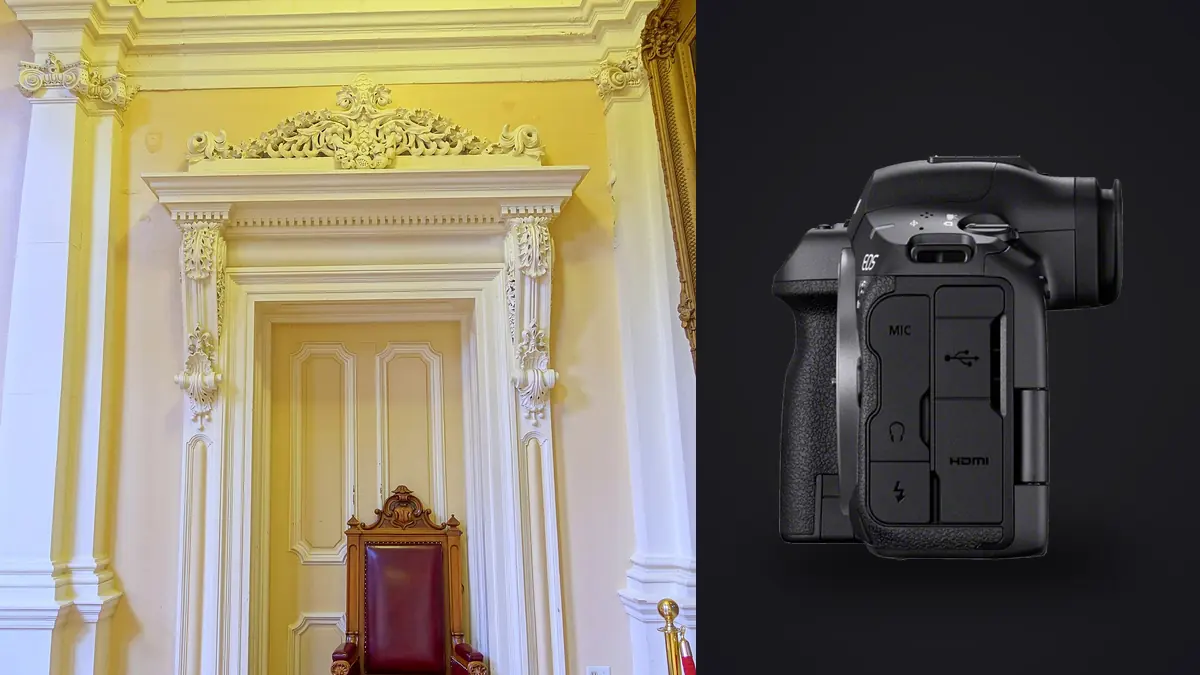
I shoot interiors and building exteriors for a handful of architecture firms and a growing list of high-end real estate agents, and the Canon EOS R5 Mark II has been my primary body since it replaced my original R5 last year. Canon didn't design this camera specifically for architectural work, it's a generalist flagship built for sports and wildlife just as much as anything else, but a handful of its features line up unusually well with what interior and building photography actually demands: resolution that survives heavy perspective correction, a sensor that copes with the brutal contrast between a sunlit window and a shadowed hallway, and a focus bracketing system that saves real time on tight compositions where depth of field runs out fast.
This is not a spec sheet rewritten in prose. It's what actually changes day to day when you take this body into finished homes, active construction sites, and interiors where you get one afternoon, sometimes less, and no do-overs once the stylist packs up the props.
Resolution and Dynamic Range Where It Actually Matters
The 45-megapixel sensor is the same resolution as the original R5, which surprised some people when the Mark II launched. For architecture that's fine, because 45MP was never the limiting factor for this kind of work anyway. What matters more is how much data survives after you straighten verticals, crop a wide shot down to fix a composition you couldn't physically back away from, or pull a print at 40x60 inches for a lobby wall. A 45MP RAW file (CR3, roughly 55 to 65MB uncompressed, closer to 30 to 35MB in compressed cRAW) gives you enough margin to crop 20 to 25 percent into the frame and still hand off a file a print lab won't complain about.
The dynamic range improvement is the part I actually notice on site. Shooting a kitchen with west-facing windows at 4pm, you're routinely dealing with a 6 to 8 stop gap between the window view and the underside of the cabinets. The R5 Mark II pulls detail out of shadows at base ISO noticeably cleaner than the original R5 did, which means fewer situations where I need a full five-frame exposure bracket just to hold onto window detail without crushing the interior. I still bracket for genuinely difficult rooms, but on straightforward ones a single RAW file with a strong shadow recovery gets me most of the way there.
Tilt-Shift Glass on an RF Body
Canon has not released a native RF tilt-shift lens as of this writing, so anyone doing serious architectural work on this body is still running EF TS-E glass through the standard EF-to-RF mount adapter. This works fine mechanically. Tilt-shift lenses are fully manual, no autofocus motor, no electronic aperture coupling beyond basic exposure metering, so the adapter isn't doing anything clever, it's just relaying the mount. I run the TS-E 24mm f/3.5L II most often for full-room shots and the TS-E 17mm f/4L when I need to fit a tight stairwell or a narrow galley kitchen into frame without converging verticals.
The genuinely useful addition on the R5 Mark II for this workflow is the improved electronic level, shown as a dual-axis overlay in the viewfinder and on the rear screen. Getting the sensor plane truly parallel to a wall before you touch the shift mechanism is the single biggest factor in whether your verticals come out straight without correction. The level on this body reads to a finer increment than what I had on the original R5, and it's genuinely more reliable on textured floors where a bubble level or tripod head scale would lie to you.
Focus Bracketing, and Where It Falls Apart
In-camera focus bracketing has been on Canon's R5 line since the first version, and the Mark II carries it over with faster processing between frames. For a typical interior shot where I need sharpness from a foreground rug texture through to a fireplace mantel eight feet back, I'll set an 8 to 12 frame bracket at a moderate step width and blend the result afterward. At f/8 to f/11 with a standard zoom like the RF 24-105mm, that gets me edge-to-edge sharpness in situations where stopping down further would just introduce diffraction softness.
Here's the limitation nobody mentions in the marketing copy: focus bracketing on this camera requires an autofocus lens, because the system drives the focus motor between shots. Tilt-shift lenses are manual focus only, so you cannot combine automated focus bracketing with a TS-E lens. If I need both perspective control and stacked depth of field in the same frame, I'm doing it the slow way, turning the focus ring by hand between exposures and keeping the tripod dead still. It's a real workflow tax and one of the reasons I still reach for a standard zoom on rooms where converging lines aren't a major issue.
Shooting Occupied Rooms Without Disrupting Anyone
A fully silent electronic shutter matters more in this line of work than it sounds like it should. Staged homes during an active open house, museum galleries with visitors still walking through, client walkthroughs where the designer is talking through finishes while you work around them, the mechanical shutter clack gets old fast for everyone in the room. The R5 Mark II's electronic shutter is genuinely silent and, thanks to the stacked sensor's fast readout, rolling shutter distortion isn't a practical concern for static interior work the way it would be on an older sensor.
The faster readout also helps with a problem specific to interiors: flicker banding under LED downlights. A lot of residential and commercial lighting still flickers at frequencies that used to show up as visible banding on rolling-shutter cameras, especially at faster shutter speeds. The anti-flicker detection on this body, combined with the quicker sensor scan, has cut down how often I see banding artifacts in mixed daylight-plus-LED rooms compared to my old body.
Tethering and the Client Review Problem
Architecture clients often want to see compositions live rather than wait for a gallery link two days later. I tether through Canon's software or Capture One depending on the setup, running a laptop on a rolling cart, and the R5 Mark II's connection has been stable over USB-C in a way my original R5 wasn't always (that camera would occasionally drop the tether mid-session for no obvious reason, a known quirk that seems to have been fixed here). Wireless tethering to an iPad through Canon's app works too, useful when I'm shooting a stairwell or upper floor and running a cable back down isn't practical.
Having the designer or architect look at a composition on a bigger screen before I lock the tripod down saves a lot of second-guessing later. It's a small workflow thing, but it changes how many "can we redo this angle" conversations happen after the shoot is already wrapped.
The File Volume Problem
Here's the part that doesn't show up in camera reviews. A single architectural shoot with focus brackets, exposure brackets, and multiple angles per room can easily generate 600 to 900 RAW files in an afternoon. At 45MP that's a lot of data to sort through, and picking the actually sharpest frame out of a 10-shot focus bracket by eye on a laptop screen is slower and less reliable than it sounds, especially by the third hour of culling.
This is where I've started relying on imagic for the first pass. It scores sharpness locally on the machine, no upload, which matters for interiors that are unreleased designs under an NDA before a project launches publicly, and clusters near-duplicate frames from the bracket sequences so I'm not scrolling past eleven nearly identical exposures of the same fireplace to find the one worth keeping. I've also set up an apply_my_style preset trained on my own past edits, which gets a consistent starting grade across a batch of interior shots before I go in and do the room-specific adjustments by hand. If you're curious how the underlying scoring approach works, there's a longer breakdown at how AI photo culling actually works. It's not a replacement for judgment on the final select, but it cuts the first pass down from a couple hours to about twenty minutes on a heavy shoot day.
How the R5 Mark II Stacks Up for This Kind of Work
I get asked fairly often whether the resolution bump on a competing body is worth switching systems for, or whether the original R5 is still good enough. Here's how I'd lay it out for someone actually deciding, based on the bodies I've shot with or tested on jobs.
| Camera | Resolution | Tilt-shift options | In-camera focus bracketing | Silent electronic shutter | Card slots |
|---|---|---|---|---|---|
| Canon EOS R5 Mark II | 45MP | 5 EF TS-E lenses via adapter | Yes (AF lenses only) | Yes, up to 30fps | CFexpress Type B + SD UHS-II |
| Canon EOS R5 (original) | 45MP | 5 EF TS-E lenses via adapter | Yes (AF lenses only) | Yes, up to 20fps | CFexpress Type B + SD UHS-II |
| Nikon Z8 | 45.7MP | 2 native PC lenses via F-mount adapter | Yes, focus shift shooting | Yes | CFexpress Type B + SD UHS-II |
| Sony A7R V | 61MP | None native (third-party manual only) | Yes, via app add-on | Yes | CFexpress Type A + SD UHS-II |
The Sony's resolution advantage is real if you're printing enormous or cropping aggressively, but the lack of native tilt-shift glass is a genuine gap for architecture, and third-party manual options aren't a like-for-like substitute for Canon's TS-E lineup. Nikon's PC lens selection is thinner than Canon's five-lens EF TS-E range, which still matters even in an RF-adapter world. For a photographer already holding TS-E glass, the practical choice comes down to the original R5 versus the Mark II, and the honest answer is that the dynamic range gain and the faster silent shutter are nice, but if your R5 is paid off and working, I wouldn't rush to replace it just for architecture work specifically. The upgrade earns its keep faster if you also shoot video or fast action on the side.
Battery, Cards, and the Boring Logistics
An architectural day is long: setup, reshoots when the light changes, and often two or three locations. The LP-E6P battery rates around 490 shots CIPA-standard with the EVF, but in real use with a lot of screen chimping and live tethering I get closer to 350 to 400 frames before I need a swap, so I carry three batteries as standard. CFexpress Type B cards handle burst exposure brackets without the buffer choking, which used to be an issue on older UHS-I cards when firing a five-frame HDR bracket at full resolution. I still shoot RAW to the CFexpress card and JPEG backup to the SD slot, mostly because losing a whole interior shoot to a corrupted card is not a mistake worth risking to save forty dollars on a second card.
Frequently Asked Questions
Do I need Canon's RF tilt-shift lenses, or can I keep using my EF TS-E glass?
Canon has not released a native RF tilt-shift lens as of this writing. EF TS-E lenses work perfectly through the standard EF-to-RF adapter because they're fully mechanical and manual focus, there's no autofocus coupling to lose in translation. If you already own TS-E glass, there's no reason to hold off on the R5 Mark II waiting for an RF version.
Is 45 megapixels enough for large architectural prints and heavy perspective correction?
Yes, with margin. A 45MP file gives enough resolution to crop 20 to 25 percent into the frame for composition fixes or to correct converging verticals in post without visible quality loss, and still print comfortably at sizes used for lobby or gallery display. If you're regularly cropping more aggressively than that, or printing beyond roughly 40 inches wide from an uncropped file, a higher-resolution body starts to make more sense.
Does the electronic shutter cause banding problems under interior LED lighting?
Less than on older sensors, but it's not immune. The stacked sensor's fast readout combined with anti-flicker detection has noticeably reduced banding compared to my previous body, but I still test a shot under unfamiliar lighting before committing to a full sequence, especially in commercial spaces with lighting I haven't shot under before.
How do you manage hundreds of bracketed exposures from a single shoot without losing a full day to culling?
I run a first pass through imagic to score sharpness and cluster the near-duplicate frames from focus and exposure brackets, which gets rid of the redundant clicks fast without me eyeballing every frame at 100 percent zoom. From there it's a manual final check on the shortlist. There's a broader rundown of speeding up this kind of high-volume workflow at 10 tips for a faster photo workflow if you're dealing with similar file counts on a regular basis.