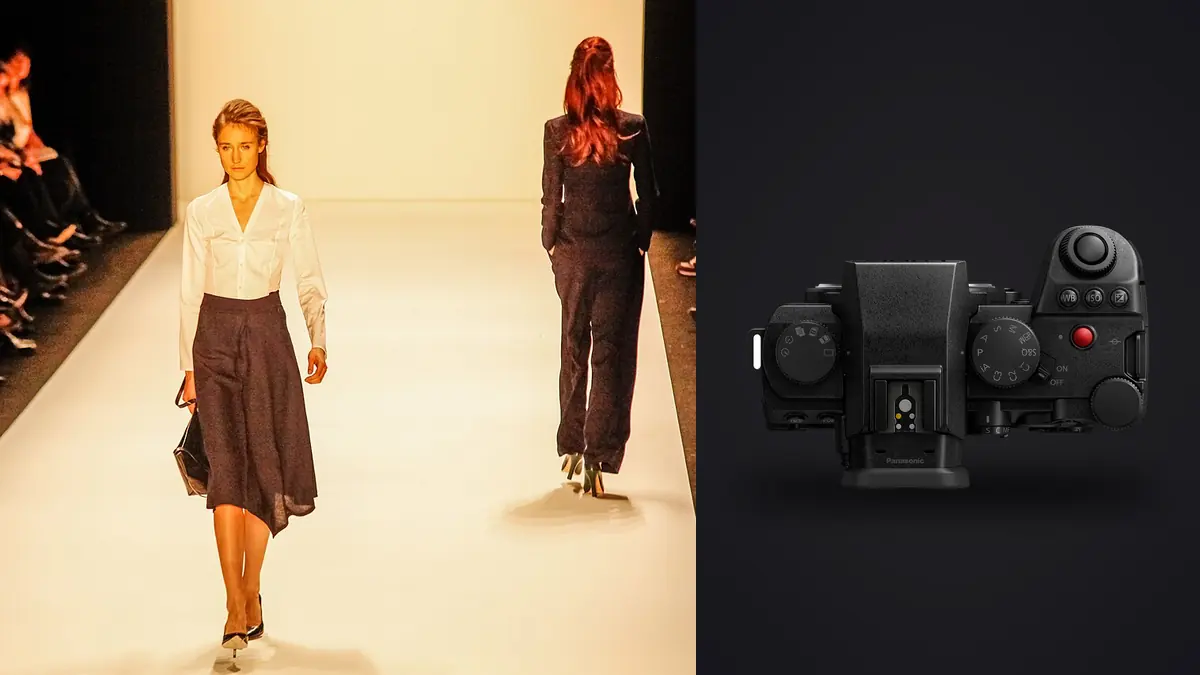
Picture a small footwear label hiring a photographer to shoot a 42-look pre-fall lookbook over two days: one day in studio against seamless, one day in a converted warehouse working with mixed window light. Say you usually shoot Sony bodies but borrow a Panasonic Lumix S5IIx from a colleague for this job specifically to find out whether Panasonic's L-mount system could hold up under a real lookbook deadline, not a weekend personal project with forgiving timelines. It mostly holds up. Where it doesn't, I want to be specific about why, because vague praise doesn't help anyone deciding whether to bring this body onto a paid set.
Why the S5IIx Landed in My Bag for This Job
The client asks for stills plus a handful of behind-the-scenes video clips for their Instagram, which immediately rules out bringing two separate camera systems. The S5IIx is built as a hybrid body first (it's the video-leaning sibling of the standard S5II, with the active cooling fan, ProRes recording over USB-C SSD, and no red tally lamp so it doesn't announce itself in every reflective surface on set), and that makes the single-body-does-both math easy. There is also a budget angle: on a medium-format body from a rental house, the lens rental alone can eat a third of the day rate. L-mount glass, especially once you factor in Sigma's Art-series primes that mount natively without an adapter, is considerably cheaper to rent or own, and 24 megapixels is never going to be the bottleneck on this particular job.
24 Megapixels Is Plenty, and Here's the Actual Math
Photographers love arguing about resolution in the abstract, so let me put real numbers against it. Forty-two looks, shot at roughly 120 to 180 frames per look once you count wardrobe checks, expression variations, and the model turning through three angles, works out to somewhere around 6,500 raw frames across two days. At 24.2 megapixels shooting compressed raw, each file lands around 28 to 34MB. On a 60-plus megapixel body those same files run 85 to 100MB, which doesn't just double your card and backup drive requirements, it roughly doubles the time your laptop spends generating previews when you're trying to show the client a shortlist before wrap. The lookbook itself gets delivered as a print-ready PDF at 300dpi and a set of web assets capped at 2400px on the long edge. Nothing in that deliverable spec needs more resolution than the S5IIx gives you, and there is room to crop a frame by 20 to 30 percent for a tighter composition without ever worrying about print quality.
Phase-Detect AF Finally Earns Its Keep on a Moving Set
I'll admit some bias here: I used an original S1 for a few shoots years ago and the contrast-detect AF hunting on fabric edges, especially anything with a repeating pattern like herringbone or houndstooth, was genuinely frustrating. The S5IIx is the first Panasonic full-frame body with real phase-hybrid detection, and it shows on this kind of work. Human eye and body detection tracked models through spins and walk cycles reliably enough that I stopped chimping every third frame to check focus, which is not something I could say about older Panasonic bodies. It's not flawless: when a model's hair swung fully across her face during a wind-machine sequence, the camera occasionally latched onto a shoulder or a garment edge for a frame or two before recovering. That's a known behavior, not a surprise, and shooting a higher frame rate through those sequences gave me enough good frames regardless.
Dialing In Settings Across a Lookbook Day
A lookbook day isn't one shooting scenario, it's four or five stitched together, so expect to change the full settings bank between blocks rather than riding auto modes. Here's roughly what to run on a job like this.
| Shooting Scenario | Shutter | Aperture | ISO | AF Mode | Drive Setting |
|---|---|---|---|---|---|
| Studio seamless, strobe lit | 1/160s, mechanical | f/5.6 to f/8 | 100 | Single-point + Human Eye priority | Single shot or 9fps mech for expression runs |
| Warehouse, window light only | 1/250 to 1/500s, mechanical | f/2.8 to f/4 | 400 to 800 | Human Body tracking, wide zone | 9fps mechanical |
| Movement, fabric flow, wind machine | 1/1000s or faster, electronic | f/2.8 to f/4 | 800 to 1600 | Human Body + Eye, tracking on | 20 to 30fps electronic |
| Detail shots, shoes and hardware | 1/125s, mechanical, on tripod | f/8 to f/11 | 100 | Single-point, manual-assist | Single shot, 2s self-timer |
That last row matters more than it looks. Every lookbook tends to have a client rep who cares intensely about the stitching detail or the hardware on a shoe closure, and rushing that shot with the same settings you used for a walking sequence produces soft, slightly-off-axis files that come back as revision requests two days later.
Flash Sync and Working a Seamless Without Fighting the Camera
The mechanical shutter syncs at 1/250s on the S5IIx, up from 1/200s on the earlier S5, and that half-stop matters more than it sounds like it should when you're trying to knock down ambient spill from a warehouse's skylights while still keying with strobes. I ran Godox units triggered through the hot shoe for both days and had zero sync banding at 1/250s. I did try switching to the electronic shutter briefly during a strobe sequence to sneak a higher shutter speed against bright window light, and got visible banding across the frame almost immediately, which is expected behavior with any electronic shutter and flash, but worth stating plainly since it's an easy mistake to make mid-shoot when you're moving fast between mechanical and electronic modes for different sequences.
Color Consistency From Morning Light to Studio Strobe
I shot V-Log for the video clips and a flat custom photo profile for stills, both to protect highlight roll-off on the garment whites, which is where a lot of budget fashion photography falls apart (blown-out white fabric with no texture reads as cheap, even when the lighting was actually careful). The Real Time LUT function is genuinely useful when a client rep is on set, since they can see something closer to a finished look on the rear screen rather than a flat gray-looking file, without having to bake that look permanently into the raw. Once the day's files were in, I used imagic's apply_my_style feature, which builds a preset from my own past edits rather than a generic filter, to run a consistent first-pass grade across the full folder in one go. That got every look in the same neighborhood tonally before sitting down to hand-finish the roughly 50 hero frames that need polishing for the PDF.
The Lenses That Stayed Mounted All Day
I leaned on three lenses for the entire job. The Panasonic S 24-70mm f/2.8 II did most of the work for blocking and walking sequences where I needed to reframe quickly without swapping glass. A Sigma 85mm f/1.4 DG DN came out for closer editorial portraits between full-look shots, since the L-mount alliance means Sigma's Art-series primes mount natively with no adapter and no autofocus penalty. The Panasonic S 50mm f/1.8 handled tripod-mounted detail work because it's small and light enough that stopping down to f/8-f/11 on a product shot doesn't feel like overkill gear-wise. I didn't miss having a longer telephoto on this particular job, though a warehouse with more depth might have changed that.
Forty-Two Looks, Around 6,500 Frames, One Night to Deliver a Shortlist
This is the part of a lookbook job that never makes it into gear reviews but is genuinely where the day is won or lost. With that many near-identical frames per look, mostly differing by a hand position or a blink, scrubbing through everything manually in Lightroom is a multi-hour slog even for an experienced editor. I ran the full card through imagic once I got back to the hotel, using its local sharpness and focus scoring to rank each burst by actual eye and fabric-edge sharpness rather than by gut feel, and its duplicate and burst clustering to group the 120-plus near-identical frames per look into stacks I could review as a set instead of one at a time. That cut what would have been a three or four hour first pass down to about 45 minutes. It also mattered that everything ran locally with no cloud upload involved, since this was an unreleased pre-fall collection under NDA and the client had explicitly asked that images not touch any third-party server before the lookbook went live. If you want more detail on how that kind of local sharpness and clustering approach actually works under the hood, this breakdown of AI photo culling covers the mechanics better than I can in a gear review.
Two Card Slots, a Tether Line, and Not Losing a Client's Day
On the studio day, tether to Capture One over USB-C for live client review, and shoot raw simultaneously to both the CFexpress and SD slots so a card failure mid-day can't cost a single frame, which is table stakes for any shoot you cannot repeat, regardless of camera brand. On the location day, without a stable tether setup, rely entirely on the dual-slot backup and offload to two separate drives that night rather than one. The S5IIx does support ProRes recording straight to a USB-C SSD, which is a genuinely nice feature for the video side, but for stills work it's the boring, reliable dual card slot that actually protects you, and I'd rather have that than a flashier feature I don't need for this kind of job.
Where This Body Actually Slowed Me Down
None of this is a sales pitch, so here's what didn't work as well. Shooting the wind-machine movement sequences at 30fps electronic occasionally produced visible rolling shutter skew on fast fabric whips under the warehouse's LED panels, enough that I discarded a handful of frames outright rather than trying to fix the skew in post. The body itself, at roughly 740g, plus the 24-70mm f/2.8 lens pushing total weight close to 1.4kg, got genuinely tiring to hold up for a full ten-hour day of mostly handheld shooting, more than I remembered from lighter mirrorless bodies I've used. And battery life means carrying four spares rather than two, since a full day of continuous AF tracking and rear-screen review drains the S5IIx faster than the CIPA rating suggests. None of these are dealbreakers, but they're the kind of thing you want to know before committing gear to a paid shoot rather than discovering mid-day.
Frequently Asked Questions
Is the Panasonic Lumix S5IIx fast enough for a fashion lookbook with a lot of model movement?
For walking, turning, and light wind-machine work, yes. The phase-hybrid AF with human body and eye tracking held up through everything I threw at it except very fast hair whips across the face, which briefly confused focus for a frame or two before recovering. For anything closer to sports-level motion (a model actually running or jumping) I'd want more testing before trusting it fully.
Do I need to shoot V-Log, or is a standard color profile fine for a same-day lookbook turnaround?
If you're under a tight deadline and don't need the extra highlight and shadow latitude, a flatter standard photo profile is honestly easier to work with, since V-Log requires a LUT pass before the files look presentable to anyone but you. I shot V-Log for video and a custom flat profile (not full V-Log) for stills specifically to protect garment whites, and that middle ground worked well for this job.
What lenses actually make sense for commercial fashion work on L-mount?
The Panasonic S 24-70mm f/2.8 II covers most of a working day on its own. If budget allows a second lens, a fast 85mm prime (Panasonic or Sigma, both mount natively in L-mount) earns its keep for closer editorial portraits. A smaller f/1.8 prime is worth having for tripod-mounted detail and product shots where you don't need the speed but do want the lighter weight.
How do you keep an unreleased fashion collection's photos secure while culling and editing?
If a client's NDA prohibits uploading unreleased product images to any third-party server, that rules out several cloud-based culling tools outright. Running the full sort locally through imagic, which processes everything on-device with no cloud upload at any point, means the client's collection never leaves the laptop before the lookbook is cleared for release.