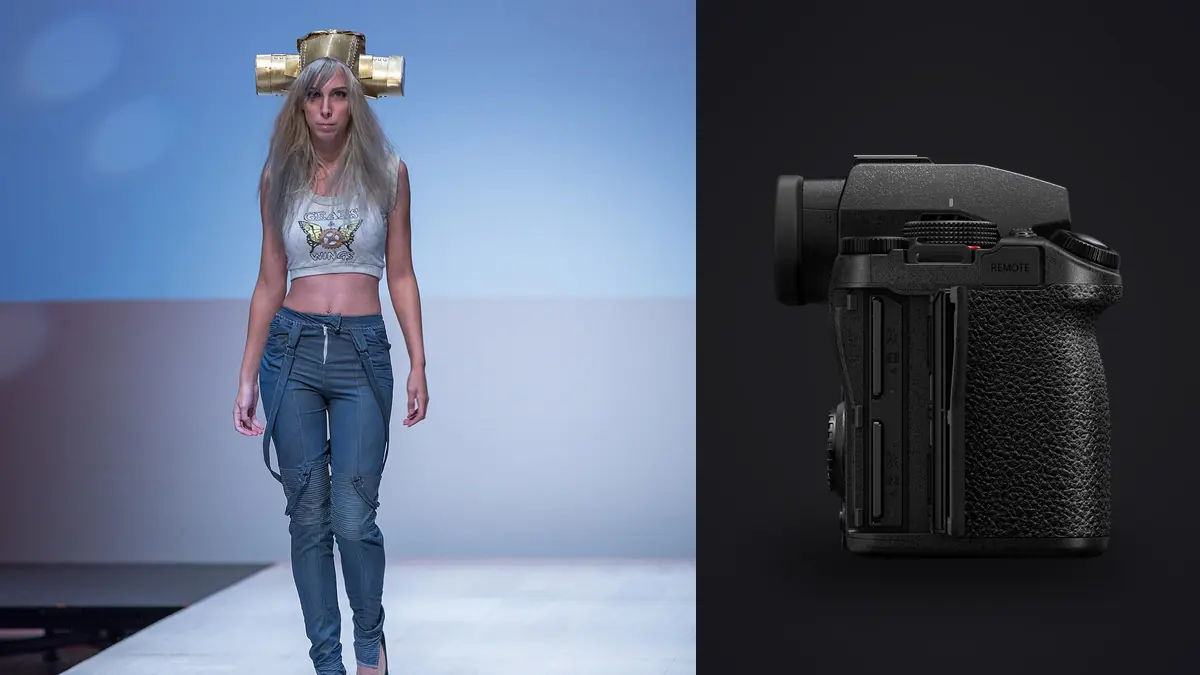
The Lumix S5IIx is a camera worth keeping in the bag for fashion lookbook days. Not because it's the best stills camera on paper (it isn't, not against the resolution kings), but because a lookbook day is really a logistics problem wearing a photography costume, and this camera happens to solve most of the logistics that tend to eat afternoons. This is what actually matters on a commercial-style lookbook shoot, including the one limitation that can trip you up on set.
What a lookbook day actually demands from a camera
A brand lookbook is not a fashion editorial. Nobody is chasing a single hero frame. You're moving through fifteen, twenty, sometimes forty looks in a day, each one needing a front, a three-quarter, a detail shot of the hardware or stitching, and usually a couple of "in motion" frames where the model walks or turns so the garment has some life in it. The client, the stylist, and often a merchandising person are watching a tethered screen the entire time, and they will stop you to fix a collar or swap a shoe on look eleven while look twelve is already steamed and waiting. Speed of turnaround matters more than any single image being technically perfect. That's the lens I judge any camera through for this kind of work, and it's why the S5IIx earned its spot ahead of bodies with higher resolution or flashier marketing specs.
Autofocus that keeps up with a model who won't stand still
Panasonic's older full-frame bodies used contrast-detect DFD autofocus, and it was genuinely rough for anything moving. The S5II generation (and the S5IIx shares this AF system) switched to phase-hybrid detection, and it's the single biggest reason I trust this camera on a set where the model is walking toward camera or spinning a coat open. Face and eye detection locks fast even when a stylist's hand is still in frame adjusting a sleeve, and it holds through a model turning her head away and back. It's not quite at the level of a top-tier Sony body for erratic sports-style tracking, but nobody is sprinting on a lookbook set. What I need is for the system to not lose the model's eyes when she pivots for the three-quarter shot, and it doesn't.
Body tracking is where it's genuinely useful for full-length garment shots. You can set the camera to track the whole figure rather than just a face, which matters when you're fifteen feet back with a longer lens and the face is a small part of the frame. It holds onto the outline of the model reliably enough that I've stopped babysitting focus points on full-length looks, which used to be maybe a third of my keeper-rate losses on the old body.
Color out of camera, and why that matters more on lookbooks than editorials
Lookbook images usually go straight to an e-commerce team or a print catalog with a tight turnaround, and consistent, accurate color across forty looks matters more than any single frame having a moody grade. Panasonic's color science, particularly skin tone rendering under mixed studio light, has always been a strength relative to their video-first reputation would suggest. Straight out of camera JPEGs (worth shooting alongside RAW for quick previews on set) hold skin tones without the slightly waxy look I got out of some competitor bodies at default profile settings. Under a mix of a large octabox key and a bounce fill, I'm not fighting a color cast between looks the way I used to.
Dual native ISO helps more than I expected on days where we move from a bright, white-cyc studio space to a dimmer corner set for a "lifestyle" detail shot. Pushing ISO for the darker corner doesn't introduce the color noise pattern that used to force me to underexpose and fix it later. It's a small thing across a single day, but across a season of lookbooks it saves real retouching time.
The lens picks that actually earn their spot in the bag
L-mount gives you Panasonic's own glass plus Sigma and Leica, and for lookbook work a short rotation works better than carrying everything. Here's what to put in the bag and why, not a generic "best lenses for this camera" list.
| Lens | Focal length / aperture | Where it earns its keep on set | Why it's not my only lens |
|---|---|---|---|
| Panasonic Lumix S 24-70mm f/2.8 | 24-70mm, f/2.8 | The workhorse for full-length and three-quarter shots when the client wants variety without a lens change between angles | Not sharp enough wide open at 70mm for a hero detail crop; I'll swap primes in for close product shots |
| Sigma 85mm f/1.4 DG DN Art | 85mm, f/1.4 | Portraits and any shot where the client wants the background to disappear behind the garment | Too tight for a cramped studio space; needs real room to work |
| Panasonic Lumix S 50mm f/1.8 | 50mm, f/1.8 | Fast, light, and cheap enough that I don't baby it; my go-to for detail shots of fabric texture and hardware | f/1.8 isn't enough separation for a full-body hero shot against a busy background |
| Sigma 35mm f/1.4 DG DN Art | 35mm, f/1.4 | Wider environmental shots when the lookbook needs a location context, not just a white cyc | Distortion at the edges needs correcting on full-length shots if the model is near frame edge |
| Panasonic Lumix S 70-200mm f/2.8 | 70-200mm, f/2.8 | Compressed, flattering full-length shots from a distance, useful when the set is loud and I want to shoot without being in the model's space | Heavy for a full day handheld, and slows down quick angle changes in a tight studio |
If I could only keep two, it'd be the 24-70mm f/2.8 and the 50mm f/1.8. The zoom covers the bulk of typical requests without a lens change, and the 50mm is light enough that I forget it's on the camera during long handheld detail sessions.
Tethering, and the part nobody tells you about until you're on set
Most lookbook clients want a live feed to a laptop so the art director or brand rep can approve looks in real time rather than waiting for a card dump at end of day. The S5IIx tethers over USB-C to Capture One reliably, and Panasonic's tethering has actually been solid for a couple of generations now, which wasn't always true of their older bodies. What I appreciate is that the connection survives walking around the set with the camera on a short leash without dropping, something that can be a genuine problem on older mirrorless bodies where the cable connection at the camera body is fragile enough that a stylist bumping the table would kill the feed mid-look.
The practical upshot: fewer "wait, can you shoot that again, we didn't see it" moments, which on a day rate job is directly worth money. A dropped tether costs you five minutes of confusion and a re-shoot of a look you'd already wrapped.
Where it actually falls short: the missing mechanical shutter
Here's the thing that can bite early on with this camera. The S5IIx does not have a mechanical shutter at all, it's electronic shutter only. Panasonic dropped it to keep the body simpler and quieter, which is a fine trade-off for a lot of video-leaning hybrid shooters, but it matters a lot the moment you bring studio strobes into the room. Flash sync on an electronic-shutter-only body is not the same experience as a mechanical or hybrid shutter, and I'd strongly recommend testing your specific strobe and trigger combination on this camera before you commit it to a paid studio day. I ran into banding and partial-frame exposure issues with one older trigger I'd used for years without a single problem on my previous camera, and I only caught it because I was chimping frames on the tethered screen rather than trusting the thumbnail on the back of the camera.
If your lookbook work leans heavily on continuous LED panels rather than flash, or you're shooting available light and reflectors, this is a non-issue. If strobes are central to your setup, budget an actual test session with your own gear before the first paid day, not just a quick check in the shop.
Handheld high resolution for the client who wants a print catalog too
The sensor-shift high-resolution mode, which composites multiple shots into a file well beyond the native 24.2 megapixels, can save you from renting a medium-format body when a client wants large-format print catalog pages alongside the web lookbook. It needs a genuinely still subject and works best on a tripod for product-only shots rather than anything with a model in frame, but for still-life detail shots of accessories or fabric, it's a real cost saver against renting separate gear for a deliverable that's maybe five percent of the shoot.
Getting through four hundred frames before the client meeting
A twenty-look lookbook day with bursts on the full-length shots easily produces four to six hundred RAW files, and the unglamorous truth of this job is that culling that take fast is worth more than almost any camera setting. I run the card through imagic at the end of the day, mostly because the burst and duplicate clustering groups the six or eight near-identical frames from each "model walking toward camera" sequence together instead of making me scroll past all of them individually, and the local sharpness scoring flags which frame in that cluster actually has crisp focus on the face rather than the shoulder. On a day with forty looks, that's the difference between a two-hour cull and a forty-minute one.
The other piece worth building into a delivery process is the apply_my_style preset. You train it on a batch of looks already graded to match the brand's existing lookbook aesthetic, and then it applies that same look consistently across the rest of the take, so look three and look thirty-one don't read like they were graded by two different people at two different times of day, which is genuinely how it happens when you're color-correcting hundreds of images across an eight-hour shift and your eyes drift. Because it runs locally with everything processed on the machine rather than uploaded anywhere, it's also one less conversation to have with brand clients who don't want unreleased collection images touching a cloud service before launch, which for pre-season lookbook work is a real and recurring ask from a client's legal or PR team.
If you're setting up a similar pipeline for the first time, it's worth reading through how AI photo culling actually works before you build your workflow around it, since understanding what the sharpness scoring is and isn't doing will save you from over-trusting an automated first pass.
Battery and card logistics on a full day
The DMW-BLK22 battery gets me through roughly four to five hundred frames plus a fair amount of chimping and menu browsing before I need a swap, which on a twenty-look day means I'm carrying two spares and not stressing about it. Dual UHS-II SD slots make it possible to run one for RAW and one as a JPEG backup for quick review without touching the laptop, which can save a shoot when a laptop's card reader fails mid-afternoon and there is still a full backup card to hand off. It's a small workflow detail, but on set, redundancy that doesn't cost you time is the only kind worth having.
Frequently Asked Questions
Is the S5IIx worth choosing over the plain S5II if I mostly shoot stills for lookbooks?
If flash and strobes are central to your work, the regular S5II is the safer pick because it keeps a mechanical shutter alongside the electronic one, giving you a reliable flash sync fallback. The S5IIx's extra video-oriented features (ProRes recording via SSD, the monochrome interface option, IP streaming) are wasted on a stills-only lookbook workflow. I'd only pick the x variant if you're also delivering short motion clips for the same client, which is increasingly common for e-commerce lookbooks.
Does the missing mechanical shutter actually cause visible problems with studio strobes?
It can, depending on your trigger and strobe combination and your shutter speed relative to the strobe's flash duration. I saw partial-frame banding with one older radio trigger before switching to a more modern one that handled the electronic sync cleanly. Test with your exact gear on a non-billable day before you trust it on a client shoot.
What lens should I buy first if I'm building an L-mount kit from scratch for this kind of work?
Start with the Panasonic 24-70mm f/2.8. It covers the majority of shot types a lookbook client will ask for in a single day (full-length, three-quarter, and reasonably tight detail crops) without a lens change, which matters more than any single prime's extra stop or two of sharpness when you're trying to keep a shoot on schedule.
How does imagic actually fit into a lookbook delivery workflow rather than a general one?
The value is concentrated in the volume and repetition specific to this kind of shoot: dozens of near-identical burst frames per look that need grouping, hundreds of frames that need the same consistent grade applied across a full day's shooting, and client sensitivity around unreleased collection images that makes local, offline processing a genuine selling point rather than a nice-to-have. If you're comparing options for this specific use case, it's worth looking at how the current culling tools stack up before committing to one for a recurring client workflow.