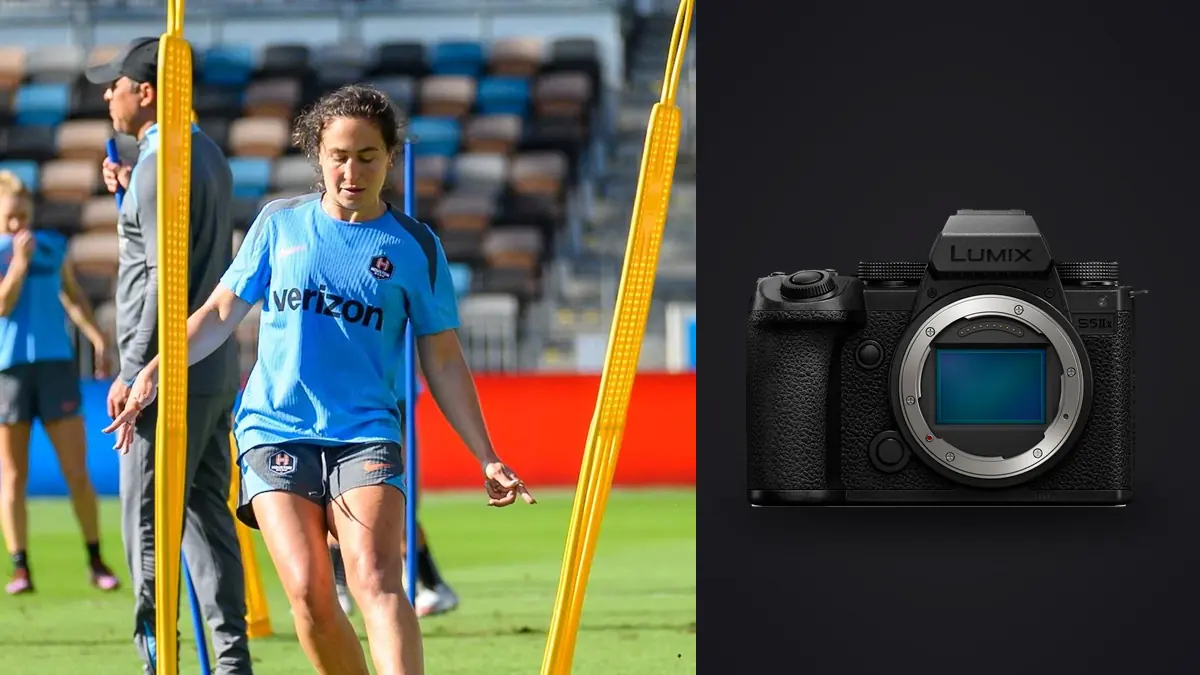
The Panasonic Lumix S5IIX is a 24.2-megapixel full-frame L-mount camera with phase-hybrid autofocus, in-body stabilization, high-speed electronic options, and two UHS-II SD card slots. Although much of its identity centers on video, its still controls can cover track and field well when they are organized around predictable event paths.
A useful setup does not leave the camera at one maximum-speed state. It creates a crisp-action mode, a controlled panning mode, and a quieter portrait or reaction mode. Each state should include exposure, autofocus area, drive, and shutter behavior so the photographer can change the whole task rather than hunt through separate menus.
Choose lenses from the event map
This Lens and Location Guide treats a track venue as a set of distinct sight lines. A longer lens can isolate starts or finish-line expressions from a permitted perimeter position, while a moderate focal length gives context for bends, relay exchanges, jumps, throws, and celebrations. A wider view belongs where the photographer can work safely without entering an active lane or distracting competitors. Walk the public or credentialed route before the event, note backlight direction, fence gaps, background clutter, official positions, and places where spectators will rise. Assign one lens role to each position so changes follow the event schedule rather than a vague desire for more reach.
Map the event paths before setting autofocus
Track and field includes several movement patterns. A sprint comes toward or across the camera. A high jump follows an approach into a fixed takeoff and bar. A relay creates handoff overlap. Throws happen inside controlled safety zones. Each pattern needs a focus starting area and a legal position.
Walk only approved routes and note sun direction, background, lane visibility, finish-line restrictions, and officials' movement. Identify one mandatory position for each priority event. No subject-detection menu can rescue a frame made from an unsafe or blocked location.
Use warm-up to watch where athletes enter the frame and where other people cross. Then place the autofocus area over that corridor. This preparation is more reliable than enabling the widest area and hoping the camera understands the intended competitor.
Build a crisp-action custom mode
Use continuous autofocus with human detection and a zone or tracking area that begins on the chosen athlete. Set manual shutter and aperture with Auto ISO when speed and depth must stay fixed through changing light. Choose a shutter fast enough for the event, not a generic sports number.
Set drive to a rate the card pair and file type can sustain around the peak. Use short sequences rather than covering an entire straight. The S5IIX can provide fast electronic capture, but a large number of technically similar files does not improve timing.
Store the mechanical or electronic shutter choice, anti-flicker behavior, autofocus, and exposure together in a custom position. Name or document the state so an experimental setting cannot become tomorrow's default.
Create a separate panning state
Panning needs a slower shutter, continuous focus, and a support behavior that permits smooth lateral movement. Start with a speed that leaves the torso and face readable while allowing limbs and background to move. Change one step at a time after checking actual frames.
Lens stabilization may offer a panning mode, and the body coordinates stabilization with supported lenses. Follow the lens guidance rather than assuming the ordinary mode is ideal. The view should move smoothly along the travel axis without fighting the pan.
Use a medium zone over the torso and leave space ahead of motion. Begin following before release, rotate from the hips, and continue after the sequence. A panning state should never share the same custom slot as crisp action; the forgotten slow shutter is too costly.
Use a quiet reaction and portrait state
Podiums, preparation, coach interactions, and post-race reactions do not require the highest drive. Store a lower continuous rate or single frame, eye detection, a more open aperture where appropriate, and quiet shutter behavior after testing the light.
Electronic shutter can reduce distraction, but indoor call rooms and stadium LEDs may band. Keep a quick path back to mechanical shutter. A still subject makes skew less likely, but pulsing light remains independent of subject speed.
This mode also prevents an accidental long burst during a handshake. A restrained drive makes expressions easier to time and keeps the gallery from filling with nearly identical podium frames.
Choose autofocus area by crowd density
Human detection can identify a face, eye, head, or body, but it still needs subject guidance when several athletes overlap. A broad zone works for an isolated runner against clean track. A smaller zone or point is safer for adjacent lanes, relay exchanges, and finish-line clusters.
Acquire the athlete before the action peak. At hurdles, avoid starting the zone on the barrier. At the finish, begin tracking down the straight rather than waiting for the lean. At jumps, preserve enough vertical frame while following the approach.
If focus jumps to an official or spectator, narrow the area before changing responsiveness. A badly chosen start region produces more errors than a minor tracking-tuning difference. Review where focus landed, not only whether the frame looks generally sharp.
Handle mechanical and electronic shutter risks
The electronic shutter supports high speed and silence, but fast lateral action can reveal rolling-shutter distortion. Rigid poles, lane lines, and hurdles provide clear references. If they bend or lean unexpectedly, return to mechanical shutter or change the setup.
Artificial lights and electronic displays can create bands or brightness cycles. Make several test frames at the exact shutter speed because one clean image may occur by chance within the pulse. Use supported flicker controls and small shutter adjustments, then recheck when lighting changes.
Mechanical shutter is the conservative baseline when subject geometry matters and silence does not. Electronic shutter is a tool for a specific benefit, not an automatic upgrade for every event.
Set exposure for uniforms and faces
Manual exposure works when the athlete remains in stable light even as the background changes. Manual shutter and aperture with Auto ISO works when clouds or shade alter illumination. Set a sensible sensitivity ceiling according to final output, but do not allow it to force a shutter too slow for action.
Bright white uniforms, reflective bibs, and pale lane markings can clip before the frame looks broadly overexposed. Use highlight warnings and inspect a face plus the brightest required fabric. Deep stands may remain dark if the athlete is correct.
Lock white balance under stable stadium light so team colors do not drift as framing changes. Under changing daylight, a consistent Auto White Balance option may be practical, but group corrections by the same light during RAW processing.
Match L-mount lenses to positions
A standard telephoto zoom covers many trackside positions, while a longer lens helps from fixed spectator or media zones. A wider lens is useful for starts, team context, and environmental frames when close access is permitted. Choose reach from the actual boundary, not from a general sports list.
Check autofocus compatibility, stabilization behavior, focus limiter controls, tripod-collar balance, and weather protection for the exact lens. A long lens on a monopod can reduce fatigue at a fixed point, provided the support remains entirely within the approved area.
Keep the lens hood attached when practical and inspect the front element for spray or dust. Do not change lenses in a throwing zone, beside active lanes, or while movement around the photographer cannot be controlled.
Configure buttons for viewfinder operation
Place autofocus activation, area selection, shutter choice, and custom-mode access where they can be reached without lowering the camera. Use front and rear dials for the exposure variables most likely to change. Lock any dial commonly bumped while carrying the grip.
Assign a temporary precise autofocus area to a button if the camera supports the desired behavior. This lets a photographer move from a broad running zone to a face in a crowd. Avoid mapping too many rarely used functions; a small control vocabulary is easier to use under pressure.
Keep display overlays readable but uncluttered. A histogram, remaining buffer or card indication, and level may be useful; a screen full of icons can hide a face or lane. Save different display states for viewfinder and rear-screen use if needed.
Plan dual cards, buffer, and power
Configure the two UHS-II SD slots for backup, RAW and JPEG separation, or overflow. Simultaneous RAW recording protects non-repeatable moments but may make the slower card the practical limit. Test a realistic burst with the exact pair.
Format cards only after verified backup, label pairs, and separate used media. During a schedule break, check remaining capacity and battery before reviewing favorites. Long playback can consume both attention and power needed for the next event.
Carry protected spare batteries and keep depleted ones in a different pocket. External power can support a fixed long assignment when permitted, but loose cables near public paths and active sport are unacceptable.
Run a field verification sequence
- Confirm safe positions, event order, sun, and artificial lighting.
- Load crisp action and verify shutter, aperture, Auto ISO, AF-C, and zone.
- Track a warm-up athlete and inspect the face or bib at magnification.
- Review consecutive frames for bands, brightness cycling, and rigid-line distortion.
- Test panning mode and confirm stabilization does not resist movement.
- Verify both card destinations and buffer clearing with the selected file type.
- Load the quiet reaction mode, then return to the required first-event state.
Review action with local tools and human context
Copy each card into a named source folder and create a verified second copy before formatting. Group files by event and action sequence. A local pass in imagic can score sharpness, exposure, closed eyes, and composition and group burst-like duplicates without uploading files.
Choose the decisive moment manually. Athletic form, identity, obstruction, relay context, and intentional panning do not reduce to a generic technical score. Status changes remain reversible, and non-destructive adjustments can lead to JPEG or TIFF export.
The desktop workflow explains local processing. Related setup articles are under Camera Hardware.
Prepare the field controls for rain and dust
Outdoor meets continue through changing weather. Fit the lens hood and a rain cover before the first drops, keep card doors closed in exposed areas, and store a dry cloth where it can be reached without opening the main bag. Weather resistance reduces risk but is not permission to leave ports or media exposed.
Wet track surfaces become bright mirrors and can change both autofocus contrast and exposure. Recheck highlights, background, and the focus starting zone after rain begins. Reflections may add useful color, but they can also pull a broad focus area away from the athlete.
At the end, place damp equipment in a ventilated protected area and keep wet covers away from dry cards. Do not seal a wet camera for long storage. Record any media swap made in the rain so ingest does not overlook a partially used card.
Frequently asked questions
Is the Lumix S5IIX suitable for track photography?
Yes, when its phase-hybrid autofocus, drive, exposure, and shutter are configured for the event. Lens reach and legal positioning remain just as important as the body.
Should electronic shutter be used for the fastest action?
Only after checking rigid lines and actual venue lights. Rolling-shutter distortion and LED bands may make mechanical shutter the safer choice.
Which autofocus area is a good starting point?
Use a zone or tracking area that identifies the intended athlete before overlap begins. Narrow it when adjacent lanes, hurdles, officials, or spectators confuse broad selection.
Why save separate custom modes?
Crisp action, panning, and portraits require different shutter, drive, and focus behavior. Separate states prevent a slow or silent experimental setting from carrying into the wrong event.