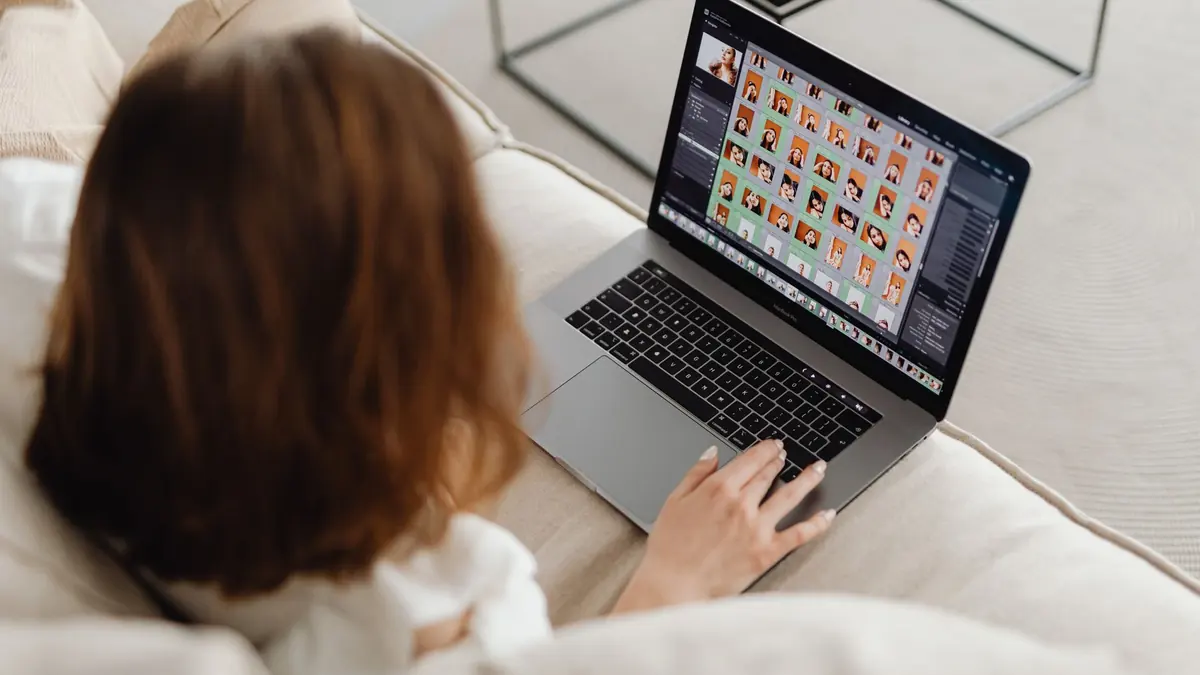
The Last Mile of Photography: Client Delivery
The quality of your delivery workflow affects your business as much as the quality of your photos. Clients remember how quickly they received their images, how easy the gallery was to navigate, and whether the download process worked smoothly. A strong delivery workflow turns satisfied clients into referring clients.
The Complete Delivery Pipeline
The professional photo delivery pipeline has five stages:
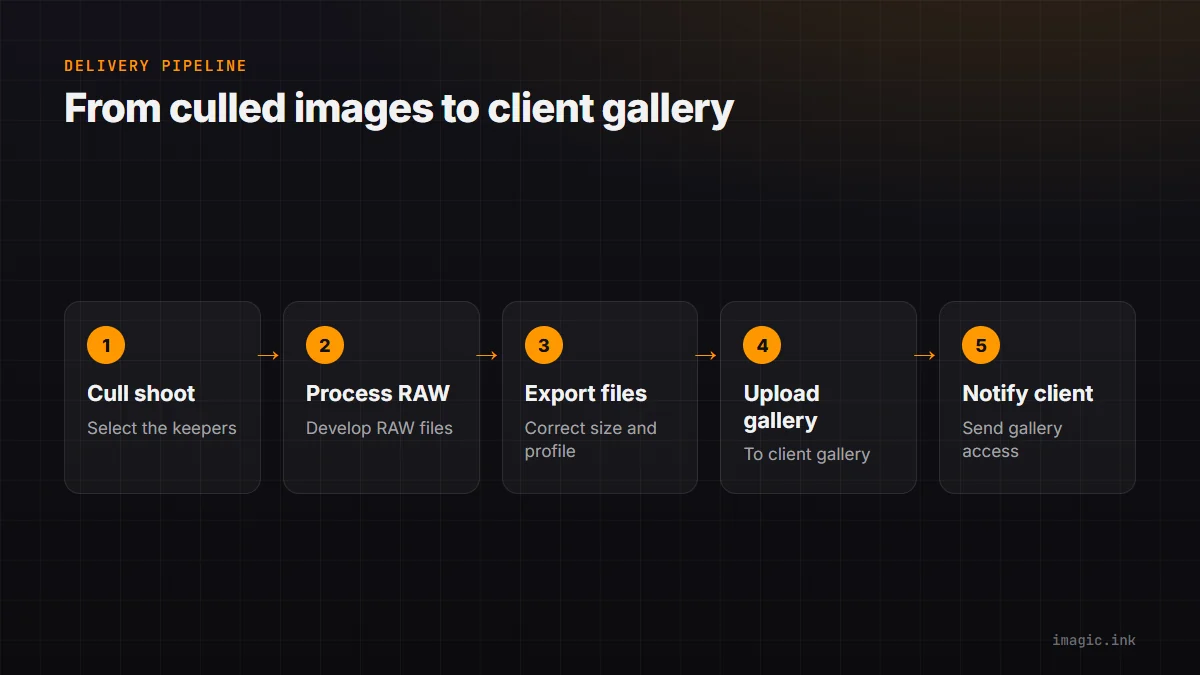
- Cull: Select the keepers from the full shoot
- Process: Develop RAW files into finished JPEGs or TIFFs
- Export: Generate delivery-ready files at the correct size, quality, and color profile
- Upload: Transfer to a client-accessible gallery or delivery system
- Notify: Send the client their gallery access
imagic handles stage 1 (and contributes to stage 3); the rest of this guide covers the full chain.
Stage 1: Culling with imagic
Import your shoot into imagic. The AI engine scores every frame on sharpness, exposure, noise, composition, and detail. Use the score filters to eliminate clear rejects quickly, then make your final keeper selections from the remaining frames. For a 500-frame wedding, this process might take 30-45 minutes versus 2-3 hours manually.
Stage 2: Processing with RawTherapee
Export keepers from imagic directly to RawTherapee. Apply your base processing profile for the shoot type (wedding, portrait, event, etc.) and batch process all keepers. Per-image adjustments are made only where the base profile needs correction. For a 500-frame wedding where 200 keepers are selected, 10-15 images typically need individual attention beyond the batch profile.
Stage 3: Export Specifications
Match your export settings to your delivery platform's requirements:
- Web galleries (Pixieset, SmugMug): JPEG, sRGB, 2400-3000px long edge, quality 85-90
- Print-on-demand: JPEG or TIFF, AdobeRGB or sRGB, 300 DPI at print size
- Social media usage: JPEG, sRGB, 2048px long edge, quality 80-85
RawTherapee's batch export accepts per-format output specifications, so you can generate web and print versions simultaneously from one batch run.
Stage 4: Client Gallery Options
Free and low-cost gallery options for 2026:
- Pixieset (free tier): 3GB storage, gallery download, limited customization. Good for smaller deliveries.
- SmugMug: From $7/month for professional features. Better long-term storage for client archives.
- WeTransfer: Free file transfer up to 2GB. Not a gallery, but useful for quick RAW file delivery to clients who need originals.
- Google Drive/Dropbox: Not designed for photo delivery but widely understood by clients. Works for non-gallery delivery.
Stage 5: Client Communication
Send gallery access with a simple email that includes: the gallery link, download instructions, and the deadline for downloading (if you have storage limits). Most gallery platforms have automated email templates — use them to save time on this final step.
Turning Delivery into a Business Advantage
Photographers who deliver within 48 hours of an event get more referrals than those who take 2-3 weeks. The speed advantage of imagic's AI culling, combined with RawTherapee batch processing and an automated gallery upload, makes rapid delivery achievable without working unsustainable hours. See our guide on how to deliver photos faster to wedding clients for a deeper look at the same pipeline.
Frequently asked questions
How long should photo delivery take after a shoot?
Delivering within 48 hours of an event is a strong benchmark that noticeably increases referrals compared to a 2-3 week turnaround, though the right timeline varies by shoot type and client expectations.
What is the fastest free option for delivering a client photo gallery?
Pixieset's free tier covers smaller deliveries with 3GB of storage and a proper gallery interface. For larger or archival deliveries, a paid tier or a platform like SmugMug is usually worth the monthly cost.
Do I need different export settings for web galleries versus print delivery?
Yes. Web galleries typically want sRGB JPEGs around 2400-3000px on the long edge, while print-on-demand needs 300 DPI at the final print size, often in AdobeRGB or TIFF. RawTherapee can generate both from the same RAW file in one batch pass. More step-by-step guides cover the rest of the pipeline in detail.