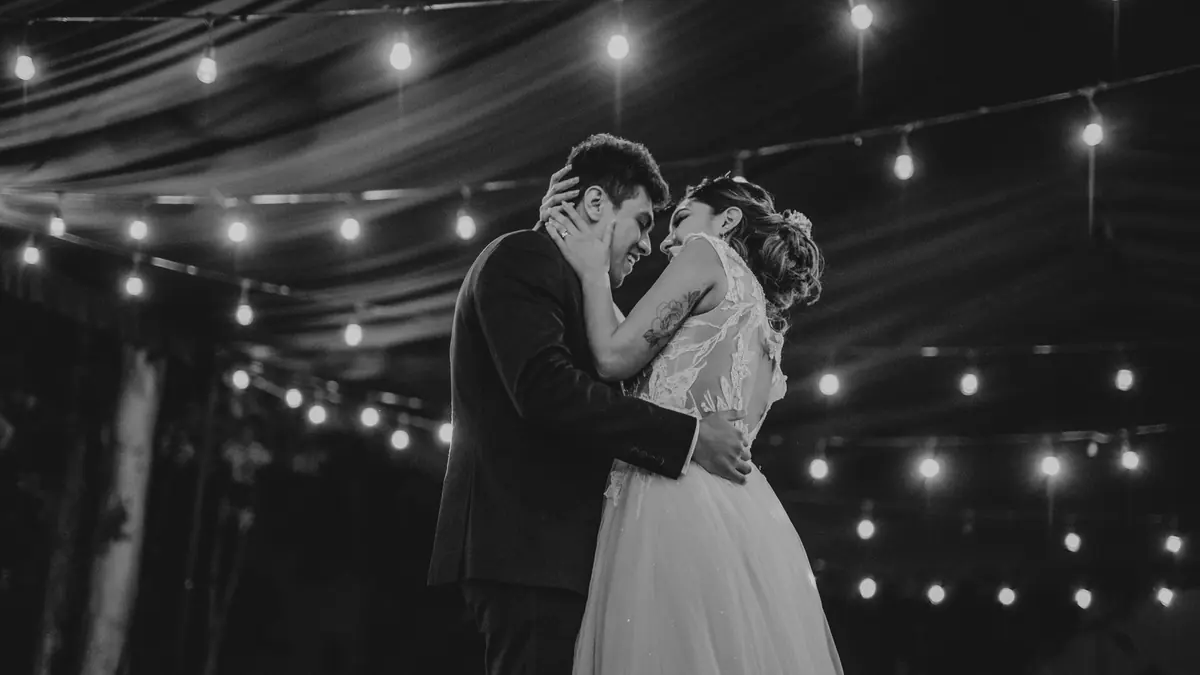
Couples ask for a sneak peek before you have even left the venue, and delivering one the same night is one of the highest-value, lowest-cost things you can do for a wedding client. The trick is doing it in under 30 minutes without touching the full 4,000-frame shoot. This is a narrow, deliberately limited workflow, not a shortcut version of the full edit.
Scope It to Two Segments Only
A sneak peek does not need to represent the whole day, it needs to represent the emotional highlights fast. Limit the source pool to ceremony and portrait segments only, skip getting-ready and reception entirely for this pass. Those two segments alone usually contain the images a couple actually shares that night: the first kiss, the walk down the aisle, the two of them alone together. Pulling from a smaller pool also means the AI-assisted pick step below has far less to sort through.
Let AI Scoring Do the First Pick
Within ceremony and portraits, sort by imagic's AI quality score rather than scrubbing the full segment by eye. The scoring flags sharpness, exposure, and closed eyes, so the technically clean frames surface immediately. From there, picking the final 20 images is a fast visual judgment call among an already-narrowed set, not a search through hundreds of raw frames. This single step is what makes a same-night deadline realistic instead of a reason to skip sleep.
One Style Pass, Batch Applied
Do not build a custom edit per image for a sneak peek. Apply one consistent style or preset as a batch across all 20 selected frames in one action; the goal is a cohesive-looking set released fast, not your most refined color work. Save the deeper per-image editing for the full gallery delivered on your normal timeline. A sneak peek that looks polished but slightly simpler than the final gallery is expected by clients and does its job either way.
Export Sized for Social, Not for Print
Export the 20 images at a size and format suited to Instagram and Facebook sharing rather than your usual full-resolution delivery specs; this step is fast and mechanical once the style pass is done, and it means the couple can post that night without you generating a second, larger set later. Batch exporting to JPEG at a consistent size takes one pass across all 20 frames rather than 20 separate export actions.
The Realistic Time Budget
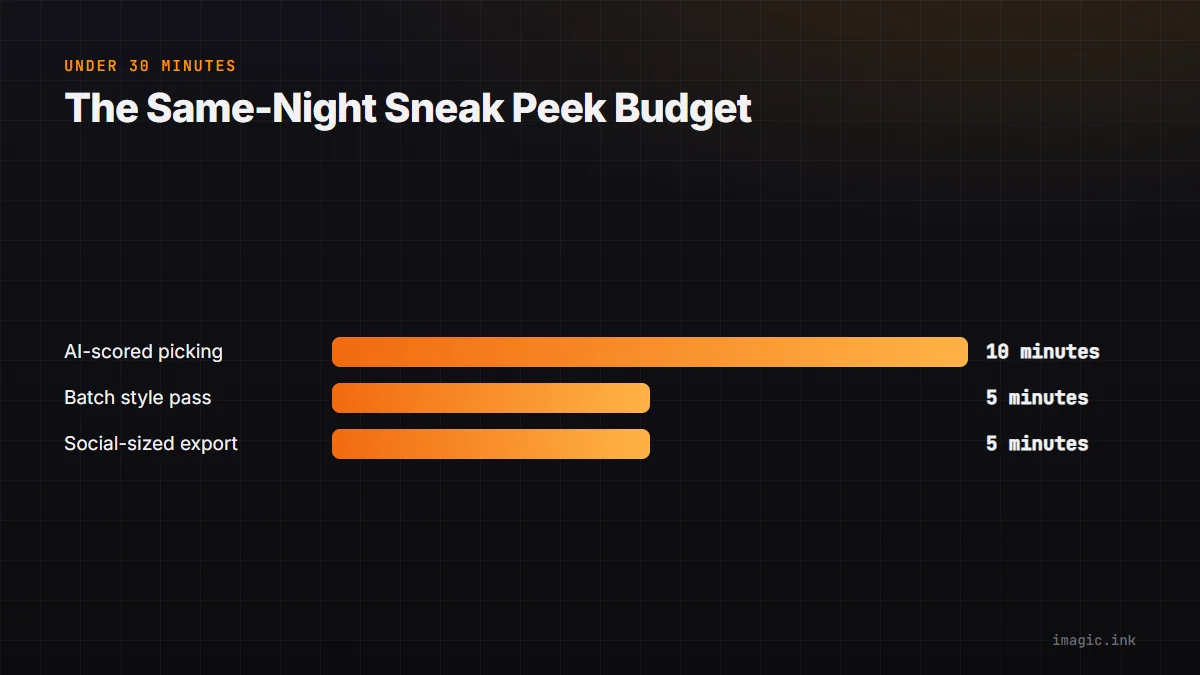
AI-scored picking from two narrowed segments: about 10 minutes. One batch style pass: about 5 minutes. Social-sized batch export: about 5 minutes. That leaves buffer inside a 30-minute total, achievable from a laptop before you have even left the venue parking lot. For the fuller version of this idea across an entire wedding day, see delivering photos faster to wedding clients and same-day delivery for event photography. See also imagic for wedding photography for the full workflow this sneak peek slots into, and the tips and workflow archive for more fast-turnaround guides.
Frequently asked questions
How many images should a same-night sneak peek include?
Around 15 to 25 is typical, enough to give the couple something meaningful to share without turning the task into a second full edit.
Should the sneak peek style match my final gallery style?
It should be recognizably consistent but does not need to be identical; a simpler, faster batch style is expected and reasonable for a same-night turnaround.
Can this workflow work without a laptop at the venue?
It is much easier with one, since AI culling and batch export need to run on a machine, not a phone; many photographers keep a lightweight laptop specifically for this same-night step.