Every photo editor released in the last two years claims to have "AI" in it. That word now covers everything from a single auto-exposure slider to a full agent that can scan a shoot, cull it, and export a batch on its own. If you are trying to pick an AI photo editor in 2026, the label tells you almost nothing. What matters is which of four underlying capabilities the tool actually has, and whether those capabilities fit how you work.
This guide walks through the four axes that separate a meaningfully different AI photo editor from a marketing refresh of an old slider panel: where the AI runs, whether it learns your style or applies a generic look, whether culling and editing are the same engine or two different ones, and whether the tool can be driven by an outside agent at all. imagic is used as a concrete example throughout, but the checklist at the end works for evaluating any editor.
Local AI vs Cloud AI
The first question is where the analysis happens. Cloud-based AI editors upload your images to a server, run inference there, and send back adjustments or a processed file. This is often fast to build and easy to keep updated, but it means your shoot leaves your machine, you are dependent on an internet connection and the vendor's uptime, and large batches can be slow or metered.
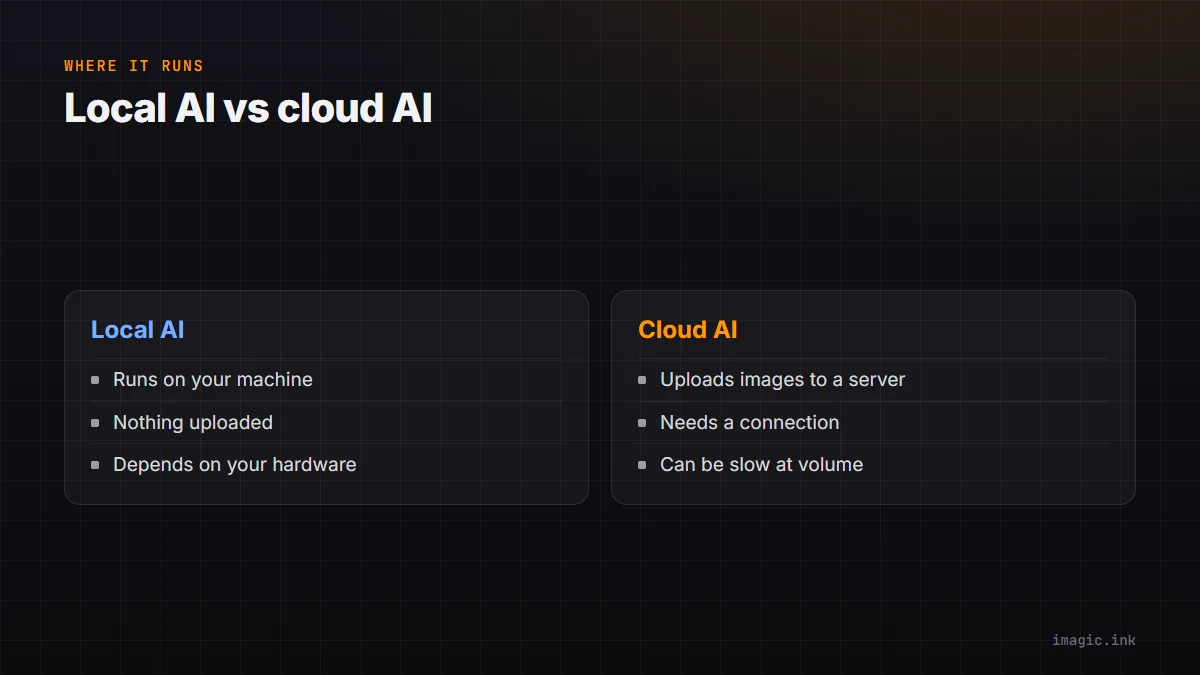
Local AI runs the model on your own machine. imagic's quality scoring, duplicate detection, and neural editing models all run locally, so a shoot never has to leave your drive to get culled or edited. The tradeoff is that local inference depends on your hardware, and the models have to be efficient enough to run without a data-center GPU. For working photographers handling client shoots under NDA, or anyone editing in a location with unreliable internet, local processing is not a nice-to-have, it is the difference between a workflow that works and one that does not.
A Learned Personal Style vs Generic Auto-Looks
Most "AI enhance" buttons apply the same look to every photo: a fixed recipe of contrast, saturation, and sharpening tuned to look good on average. That is fine for a quick fix, but it is not your style, and it does not adapt to what you actually shoot.
A smaller set of tools, imagic included, can learn from you instead. imagic's style calibration walks you through up to 8 guided edits on your own photos, then builds a model of your editing preferences from those choices, available as part of imagic Max. From that point, new imports can be edited toward your learned look rather than a generic preset. This matters most for photographers with a consistent visual signature (a wedding shooter's warm skin tones, a landscape photographer's contrast curve) where "AI enhance" would otherwise sand that signature off.
Culling AI and Editing AI Are Different Jobs
It is worth separating two things that get bundled under the same "AI" label: culling (deciding which photos are worth keeping) and editing (adjusting the photos you kept). A tool can be excellent at one and mediocre at the other, and some tools only do one of the two.
Culling AI scores images on sharpness, exposure, noise, closed eyes, and duplicate/near-duplicate detection, then ranks or filters a shoot so you are not scrubbing through 2,000 frames by eye. imagic ships this in every tier, including the free trial. Editing AI is a separate model that proposes or applies adjustments to the images you kept. Read AI Photo Culling, Explained Properly for a full breakdown of what culling AI actually scores and where it falls short.
Agent Access: The New Differentiator
The newest axis, and the one most buyer's guides do not mention yet, is whether the editor can be driven by an AI agent rather than only a mouse. imagic ships a built-in MCP server and a scriptable CLI, both part of imagic Max, so any MCP client, Claude Code, Claude Desktop, Cursor, or Codex CLI, can scan a folder, run AI culling, apply your learned style, and export a batch from a single prompt. A working session looks like this from Claude Code:
claude mcp add imagic -- imagic-mcpregisters imagic as an MCP server- a prompt like "cull the wedding shoot in D:/clients/harper-wedding, keep my best 400, export to /delivery" runs the scan, the AI cull, and the export in one pass
For anyone editing at volume, this is a bigger workflow change than any single slider improvement. See Photo Editing MCP Server and the imagic MCP page for the technical detail on how the connection works.
A Practical Checklist
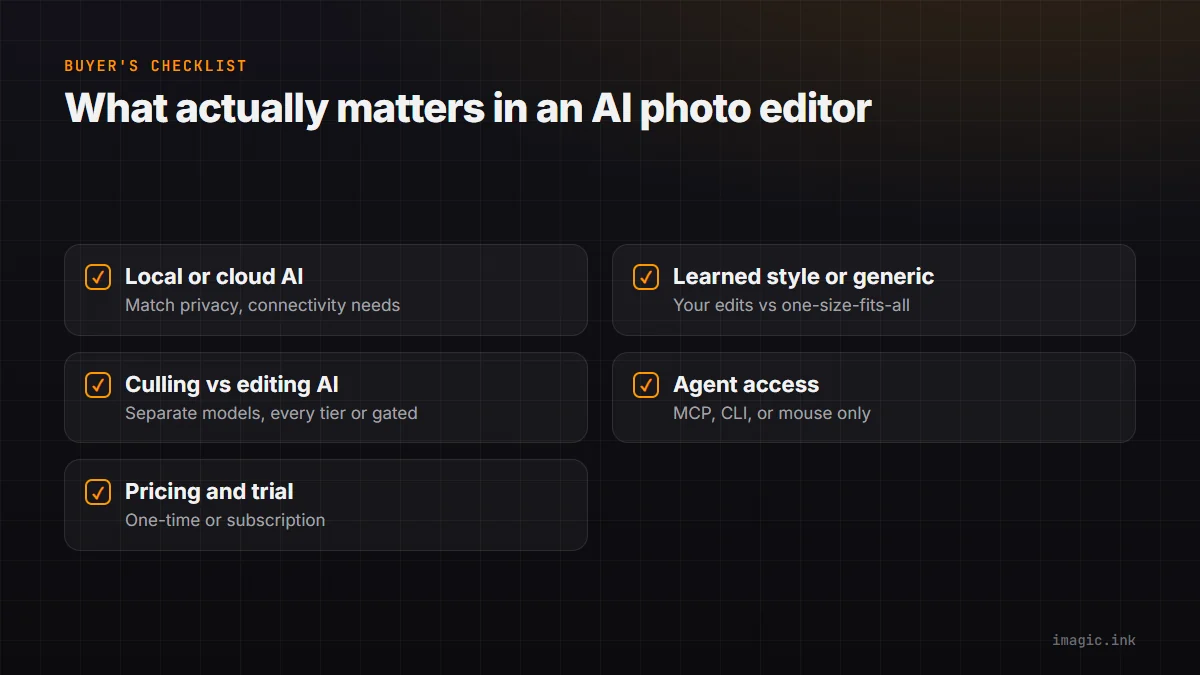
- Does the AI run locally or in the cloud, and does that match your privacy and connectivity needs?
- Does it learn your editing style, or apply the same look to every photographer's photos?
- Is the culling model separate from the editing model, and is culling included at every tier or gated behind the top plan?
- Can an outside tool or agent drive it (MCP, CLI, API), or is the mouse the only input?
- Is pricing one-time or subscription, and does a free trial let you test the AI features specifically, not just the manual editing tools?
No single editor wins every row for every photographer. A studio that never touches an agent workflow may not care about MCP access at all. A photographer shooting under strict client confidentiality will weight local processing heavily. Use the checklist against your own workflow, not a marketing page.
Where imagic Fits as an AI Photo Editor
imagic is a one-time-purchase desktop editor (Lite EUR 19, Plus EUR 49, Max EUR 99) for Windows and macOS. AI culling, quality scoring, and duplicate detection are in every tier. Style calibration, the MCP server, the CLI, and the neural editing models are part of imagic Max, and the 500-photo free trial includes everything in Max so you can test the full stack, agent access included, before deciding. It is not a fit if you need cloud collaboration across a whole studio team out of the box, or if you specifically want a subscription model. For a wider tour of what else exists in this category, see AI Photo Editing Software Compared (2026).
FAQ
Is a more expensive AI photo editor always more capable?
No. Price tracks feature tier and business model more than raw AI quality. A EUR 19 tool with good local culling can outperform an expensive subscription tool that only offers cloud auto-enhance.
Do I need agent access if I just edit a few hundred photos a month?
Not necessarily. Agent-driven culling and export pays off most once volume gets high enough that manual review becomes the bottleneck, weddings, events, and high-shot-count shoots being the clearest case.
Can ChatGPT edit my photos directly inside imagic?
Not natively. ChatGPT's own MCP connector support varies by plan and version. The concrete, working path today is an MCP client like Claude Code or Codex CLI connecting to imagic's MCP server.
Does AI editing replace manual adjustment tools?
No, it sits alongside them. Even with a learned style and an agent doing the first pass, manual sliders remain for the shots that need a human judgment call.
Try imagic's free 500-photo trial, no card required, the trial includes everything in imagic Max: AI culling, style calibration, the MCP server, and the CLI. Start the free trial.