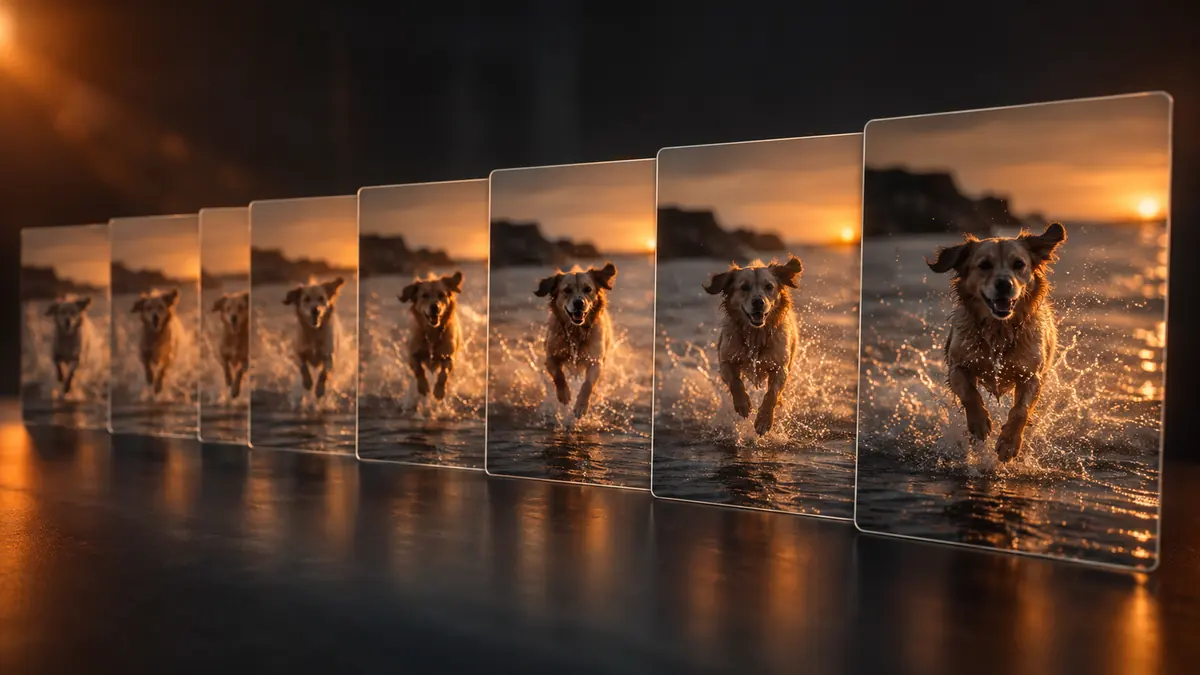
Most photo libraries accumulate duplicates faster than people realize, backups that got copied twice, burst sequences never cleaned up, the same edit exported more than once. Here is how to actually find duplicate photos on Windows and Mac, the difference between two detection methods that get used interchangeably but are not the same thing, and how to delete safely.
Exact Duplicates vs Near-Duplicates
These require genuinely different detection methods, and a tool that only does one will miss a large share of real duplicates:
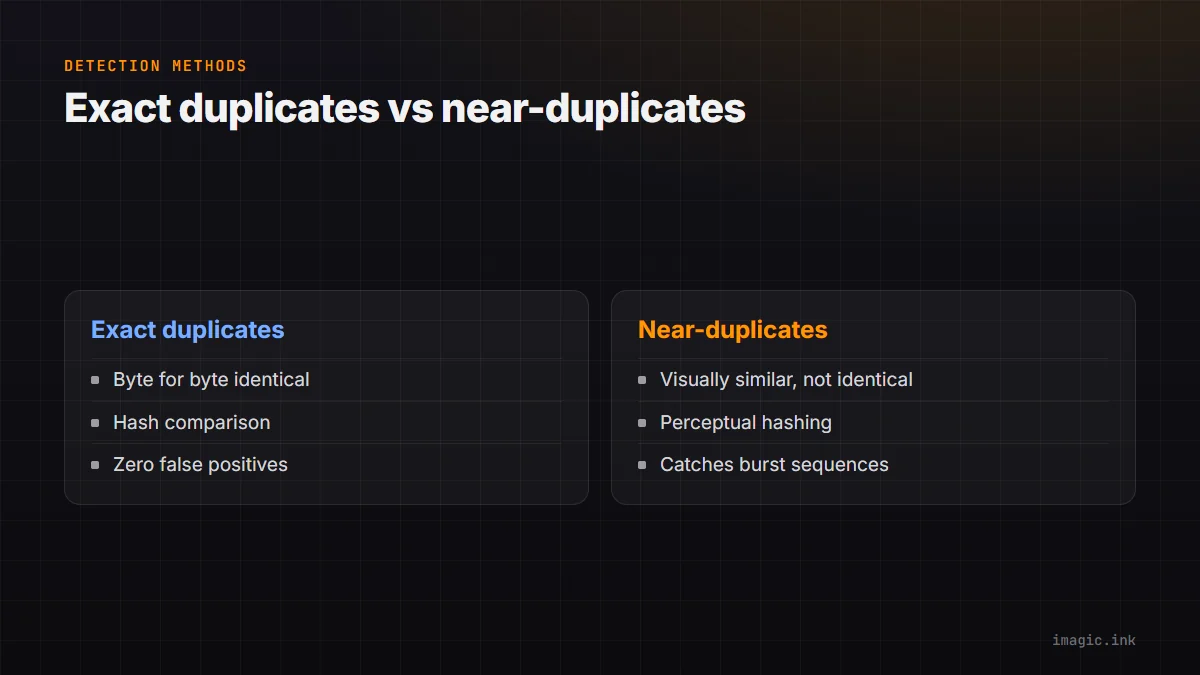
- Exact duplicates: byte-for-byte identical files, typically from accidental double imports or duplicate backups. These are detected reliably with a file hash comparison (checksum), which is fast and produces zero false positives.
- Near-duplicates: visually similar but not byte-identical, burst sequences, the same shot re-exported at a different size or quality, a RAW and its JPEG sibling. Hash comparison misses all of these since the underlying bytes differ even though the image content is nearly the same.
A library cleanup that only catches exact duplicates typically finds a small fraction of the actual redundancy sitting in most photographers' libraries, since burst shooting is the bigger source of near-duplicate volume.
Perceptual Matching for Bursts
Near-duplicate detection generally uses perceptual hashing or a similar image-similarity technique: instead of comparing raw file bytes, it generates a fingerprint based on the image's actual visual content (broad shapes, tones, composition) and compares those fingerprints for similarity. This is what catches a 20-frame burst of nearly the same moment as one duplicate cluster, even though every frame in that burst is a technically distinct file. See Perceptual Hashing for Duplicate Photos for how this actually works under the hood.
A Safe-Delete Workflow
Never let a duplicate finder auto-delete without a review step, no matter how confident the match. A safe process:
- Run detection and let the tool group matches (exact and near-duplicate) rather than deleting immediately
- Review each group, confirming which is the best copy to keep (highest resolution, sharpest frame in a burst, or the one already organized into your folder structure)
- Move rejected duplicates to a temporary holding folder or trash, not permanent deletion, for at least a few days
- Empty the trash only after confirming nothing important was mistakenly grouped
This costs a small amount of extra time versus a one-click auto-delete, but it is the difference between a cleanup and an accidental data loss incident.
Library-Scale Runs
Running duplicate detection across an entire multi-year library for the first time is a different job than running it on a single recent shoot; expect it to take longer and surface far more matches, since years of accumulated bursts and backups compound. It is worth running this as a dedicated cleanup session rather than trying to do it incrementally while also culling a current shoot, since the review volume on a first full-library pass can be substantial.
Where imagic Fits
imagic's duplicate and burst detection runs locally on Windows and Mac, grouping both near-identical burst frames and closer matches, with review before anything is removed. It is included at every tier including the free trial. See How Duplicate Photo Detection Saves Hours and Removing Duplicate Photos from Large Libraries for more depth.
Frequently asked questions
Will duplicate detection delete photos automatically?
It should not, and imagic does not; a properly built tool groups matches for your review and only removes what you confirm, not automatically.
Does Windows or Mac have a built-in duplicate photo finder?
Neither includes a dedicated perceptual near-duplicate finder built in; both can find exact file duplicates through basic search, but burst-level near-duplicate detection needs dedicated software.
How long does a first duplicate scan take on a large library?
It depends heavily on library size, but a multi-year, tens-of-thousands-of-photos library should be expected to take meaningfully longer than a single recent shoot, and to surface a large number of matches on the first run.
Try imagic free for 500 exports, no card required, duplicate and burst detection included. Start the free trial.