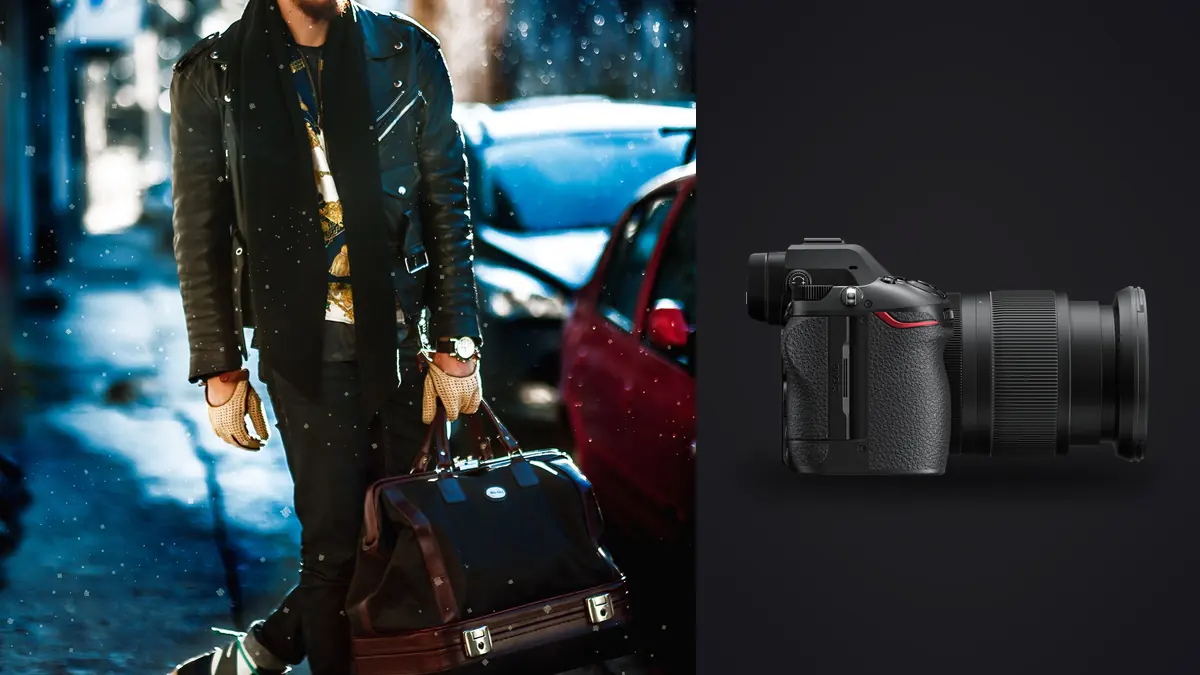
A lookbook day doesn't look like most other kinds of photography work. You've got a rack of twelve to twenty garments, a stylist re-pinning hems between every third frame, an art director hovering behind a monitor asking to see the last take again, and a model who needs to hit the same three poses per outfit without looking bored on frame forty. The camera has to disappear into that process. It can't be the thing slowing anyone down. Looking at how a Nikon Z6 III handles a lookbook day, whether in the studio or on location for a resort-wear drop, there's a pretty clear picture of where it earns its keep on this kind of job and where it doesn't.
This isn't a spec-sheet review. Plenty of those exist already. What I want to get into is how the Z6 III would behave across a ten-hour lookbook day: the readout speed and what it means for strobes, which lenses actually pull weight on set, how the file count balloons, and what happens after the shoot when you're staring at four thousand frames that need to become thirty-two final images by Monday morning.
The sensor readout matters more than the megapixel count
Nikon dropped resolution from the Z6 II's 24.5MP to, well, 24.5MP again on the Z6 III (no change there), but the sensor itself is a different animal. It's partially stacked, meaning the readout circuitry is fast even though it's not a full stacked sensor like you'd find in the Z9. For lookbook work specifically, that readout speed shows up in two places that matter more than resolution ever would.
First, rolling shutter distortion is much better controlled during movement shots. A lot of lookbook briefs now ask for a "walk" sequence, the model moving toward camera or turning mid-stride so the garment shows drape and movement rather than sitting static. On the Z6 II I'd occasionally get a faint skew on fast fabric movement or a whip of hair. On the Z6 III those artifacts are close to gone at normal shutter speeds. It's not marketed as a global shutter camera and it isn't one, but the difference is noticeable enough that I stopped worrying about it.
Second, and this is the part I didn't expect to care about: the electronic shutter can sync with studio strobes up to 1/200s. Most cameras force you to choose between silent electronic shutter and flash sync, full stop. Being able to run silent while a monobloc fires means I can shoot a continuous sequence while talking direction to the model in the same breath, without the mechanical shutter's clack cutting through every sentence. On a set with a nervous first-time model and an art director who wants to narrate every pose, that quiet matters more than it sounds like it should.
Building a lens kit that actually gets used on a lookbook day
I brought six lenses to the resort-wear shoot and used three of them for probably ninety percent of the final selects. Lookbook work rewards a tight, deliberate kit more than a bag stuffed with options nobody reaches for. Here's roughly how the day broke down by focal length.
| Focal length | Primary use on set | Why it earns its spot | Approx. % of final selects |
|---|---|---|---|
| 50mm f/1.8 S | Full-length outfit turns, walking sequences | Natural perspective, no leg or torso distortion at working distance, light enough to hand-hold all day | ~40% |
| 85mm f/1.2 S (or f/1.8 for a lighter kit) | Waist-up looks, beauty crops, detail on collars and closures | Compression flatters fabric texture, background falls away cleanly against a seamless | ~30% |
| 24-70mm f/2.8 S | Location scouting shots, group looks, quick reframes when the AD changes their mind | Versatility when you can't reset the whole set for a single frame change | ~20% |
| 35mm f/1.4 or 1.8 S | Environmental context shots, wider "hero" images for the lookbook cover | Enough width to show location without warping the garment silhouette | ~10% |
Notice there's no macro lens and no long telephoto on that list. Lookbook clients almost never ask for extreme fabric-texture macro the way a catalog or e-commerce brief does. If your background is running lookbook and catalog work side by side, the kit for those two jobs genuinely diverges, which is worth remembering before you overpack the bag.
Camera settings by shot type
Because a lookbook day cycles through several distinct shot types back to back, it helps to skip one universal setting and instead build a short mental checklist to move through per look. Here's roughly where I'd land for each.
| Shot type | Aperture | Shutter | AF mode | Drive |
|---|---|---|---|---|
| Full-outfit static turn | f/5.6 to f/8 | 1/160s (strobe sync) | 3D-tracking, eye detect on | Single or low-speed burst |
| Walking / movement sequence | f/4 to f/5.6 | 1/250s to 1/500s | Wide-area AF-C, eye detect on | High-speed continuous (14-20fps) |
| Beauty / headshot crop | f/1.8 to f/2.8 | 1/160s to 1/200s | Pinpoint AF-S, single eye priority | Single shot |
| Fabric / closure detail | f/8 to f/11 | 1/160s | Single-point AF-S | Single shot |
The high-speed burst mode for the walking sequences is where the Z6 III's buffer starts to matter. Shooting 14-bit raw at the top continuous rate, I can hold the buffer for a genuinely long run before the card catches up, as long as I've got a fast CFexpress card in the primary slot. Drop back to the SD UHS-II slot for backup recording and the party ends a lot sooner. If your workflow leans on dual-slot backup during the shoot (and for a paid commercial job, it should), budget for that write-speed ceiling rather than assuming the CFexpress numbers apply everywhere.
Tethering with a client watching
Almost every lookbook shoot has someone from the brand side watching a monitor in real time, whether that's an in-house creative director or a founder who wants final say on every look before the model changes. The Z6 III tethers over USB-C reliably, and Nikon's own tether software has gotten to the point where you don't have to think about it during a shoot day, which is the entire point of tethering software.
The practical benefit for lookbook work specifically: the client can flag a look as approved or ask for a reshoot before the rack moves on, which saves you from discovering during the edit that outfit six needs to be reshot and the model has already left. That sounds obvious, but jobs run without live client review can easily end up paying for a reshoot session.
The real bottleneck isn't the camera, it's the edit
Here's the part that doesn't get talked about enough in gear reviews. A lookbook with eighteen looks, shot with three to five setups per look and a burst of eight to fifteen frames per setup, generates somewhere between 1,500 and 4,000 raw files in a single day. The camera captured all of it fine. The problem starts the next morning when you open the folder.
Most of those frames are near-duplicates: the same pose captured six times in a burst, four of which are functionally identical except for a blink or a slightly softer eye. Sorting that by hand, look by look, is the single biggest time sink in commercial fashion delivery, and it's the reason a lot of photographers quote lookbook jobs with a two-week turnaround even though the shoot itself took one day.
This is where I've actually changed my process. I run the day's cards through imagic before I touch anything manually. Its local sharpness and focus scoring flags which frame in each burst actually has the sharpest eye and cleanest catch light, and the duplicate and burst clustering groups those near-identical takes so I'm reviewing one representative frame per pose instead of scrubbing through fifteen almost-identical shots one at a time. Picture a resort-wear shoot where that cuts the first-pass cull from what would normally be a four-hour afternoon down to about ninety minutes. It's not doing the creative selection, an art director still picks the actual hero images, but it gets the pile down to a size a human can reasonably look at without going numb by frame two thousand.
If you're setting up a faster culling pass for the first time, it's worth reading through how AI photo culling actually works before you build a workflow around it, since understanding what the scoring is (and isn't) doing changes how much you trust it on a fast-turnaround job.
Keeping color consistent across eighteen looks
A lookbook lives or dies on color consistency. If look four reads warmer than look eleven because the light shifted or the white balance drifted, it's obvious the moment the pages sit side by side in the client's deck. On set, lock white balance manually against a gray card at the top of the day and again any time the light changes, which the Z6 III's manual Kelvin control handles cleanly, no surprises there.
Where it gets harder is in post, once you're grading thirty-two final images and need them to feel like they belong to the same shoot even though they were captured across six hours with the sun moving and strobes recycling at slightly different color temps between packs. I built a starting grade on the first two or three approved looks, then used imagic's apply_my_style feature, trained on my own past edits, to carry that grade consistently across the rest of the set rather than re-eyeballing white balance and contrast on every single frame. It's not a substitute for actually looking at each image before delivery, skin tones especially still need a human check, but it removes the drift that creeps in over a long grading session when your eyes have adjusted to the monitor and stopped noticing a slow color shift. For a deeper walkthrough of building a grade that holds together across a full set, this guide on color grading consistency covers the manual side of what I'm describing here.
One more reason offline processing matters for this work
Lookbook shoots almost always happen before a collection ships. Brands are understandably protective of unreleased garments leaking online ahead of a launch date, and some contracts explicitly restrict where the files can be stored or processed. Running the whole cull and first-pass edit through software that never uploads anything to a cloud service isn't just a nice-to-have on those jobs, it's occasionally a contractual requirement, and it's one of the reasons imagic fits into a commercial workflow more comfortably than a browser-based culling tool would.
Where the Z6 III actually falls short for this kind of work
I don't want to write a puff piece, so here's what didn't impress me. The vari-angle screen (technically a hybrid four-axis tilt, not a full flip-out) is fine for waist-height shooting but awkward for the low, ground-level angles that a lot of movement-heavy lookbook shots want. I ended up on my knees more than the screen articulation should have required.
Battery life during a full tethered day with the EVF running at high brightness (studios are often bright enough that you need it cranked to see anything) is noticeably shorter than the quoted CIPA numbers. I carry four batteries now where I used to carry two on the Z6 II. And the body, while solid, is heavier than a lot of photographers expect from something in this tier once you've got the 85mm f/1.2 mounted and you're hand-holding it for six hours straight. My wrist knew about it by the end of the resort-wear day.
None of that is disqualifying. It's the kind of thing you plan around once you know it's coming, which is really the point of writing this instead of a spec comparison. If you're trying to move faster across an entire shoot day, not just inside one exposure, some of the general pacing habits in these workflow tips apply just as much to a lookbook set as they do to any other high-volume shoot.
Frequently Asked Questions
Is the Nikon Z6 III fast enough for a lookbook shoot with a lot of movement?
Yes, comfortably. The high-speed continuous modes (up to 20fps in electronic shutter at full resolution, 14fps mechanical) handle walking and turning sequences without the rolling shutter smear I used to see on older bodies. The limiting factor in practice is buffer depth on slower cards, not the sensor's readout speed.
Do I need the f/1.2 85mm, or does the f/1.8 version cover lookbook work?
For most lookbook briefs, the f/1.8 S is genuinely enough. The extra stop on the f/1.2 buys you a touch more subject separation at f/1.4 to f/1.6, which shows up on beauty crops, but for full-length and waist-up looks shot at f/2.8 or narrower, the difference isn't visible in the final delivered images.
How many raw files should I expect from a full lookbook day, and how do I get through them fast?
Eighteen to twenty looks with a few setups each typically lands between 1,500 and 4,000 frames. Running a first pass through automated sharpness scoring and burst clustering before manual review is the difference between a same-week delivery and a two-week one; the human eye still makes the final creative call, but it shouldn't be the thing sorting duplicates.
Can the electronic shutter really sync with studio strobes on this camera?
Yes, up to 1/200s, which is unusual for a non-global-shutter body. It's genuinely useful when you want a silent set (talking a model through poses without a shutter clack under every sentence) while still shooting with monoblocs rather than continuous LED.