
Lightroom is the default for a reason. Catalog management, adjustment brushes, masking, and a preset ecosystem built over a decade are genuinely hard to match, and this post is not going to pretend otherwise. What it will do is be specific about the two structural gaps in Lightroom that a different kind of tool can close, and walk through what actually changes if you migrate to a lightroom alternative built around AI automation, using imagic as the concrete example.
What Lightroom Does Brilliantly
Lightroom's catalog system is still the strongest way to manage a large, growing photo library across years of shoots. Its masking and local adjustment tools are mature and precise. The preset ecosystem, built by a huge community over a decade, means there is almost always a starting point close to the look you want. And it is deeply integrated with the rest of Adobe's tools if you already live in that ecosystem. Several existing comparisons cover this ground in detail: Lightroom vs imagic and Capture One vs Lightroom vs imagic both go feature-by-feature if that is what you need. This post is about two gaps, not a full feature audit.
It is worth saying plainly: for a lot of photographers, Lightroom is still the right tool. If your workflow already depends on deep masking control, a decade of accumulated presets, or tight integration with Photoshop, switching editors is a real cost with a real learning curve, and that cost should be weighed against what you actually gain. The two gaps below are structural, not cosmetic, but structural does not automatically mean disqualifying for your specific workflow.
Gap One: No Agent Layer
Lightroom has no way for an external AI agent to drive it. There is no MCP server, no scriptable CLI built for AI clients, no way to hand a shoot to Claude Code or Cursor and say "cull this, apply my style, export it." Everything routes through the mouse and the Lightroom UI, every time, for every shoot.
imagic's structural difference is a built-in MCP server and CLI, both part of imagic Max, that any MCP client can call. From Claude Code:
claude mcp add imagic -- imagic-mcpconnects imagic as an MCP server- a single prompt can then scan a folder, run AI culling, apply your learned style, and export, the same multi-step process that would otherwise be a manual Lightroom session
This does not make Lightroom's manual tools worse. It means a second class of workflow, agent-driven batch processing, exists at all. Read Photo Editing MCP Server or visit the MCP page for the technical walkthrough.
Gap Two: Subscription vs One-Time
Lightroom is subscription software; access stops if the subscription lapses, along with certain workflow features. That is a legitimate model, but it is a genuinely different commitment than a one-time purchase. imagic's pricing is one-time: Lite EUR 19, Plus EUR 49, Max EUR 99, no recurring fee, and existing customers are grandfathered to Max as "Founders" as the product evolves. Neither model is objectively correct, it depends on whether you want lower upfront cost with ongoing payment, or a single purchase.
Where this matters most in practice is at the margins: a hobbyist who edits a few dozen photos a month is paying a recurring fee for capability they barely touch, while a full-time studio running Lightroom daily is getting continuous value that may well justify the subscription. The honest answer is that the subscription gap only bites if your usage does not match the pricing model you are on.
Who This Lightroom Alternative Fits and Who It Does Not
imagic fits photographers who process shoots in volume and want the review step automated, who are comfortable with (or curious about) an MCP client or a command line, and who prefer paying once over paying monthly. It fits less well if you need deep collaborative catalog sharing across a large team today, or if your editing style depends on a specific, deeply customized Lightroom preset library you are not willing to rebuild. For a wider view of where imagic sits against AI editors generally, not just Lightroom specifically, see AI Photo Editing Software Compared (2026).
Migration Notes for a Lightroom User
If you are trying imagic coming from Lightroom, a few things transfer differently than you might expect:
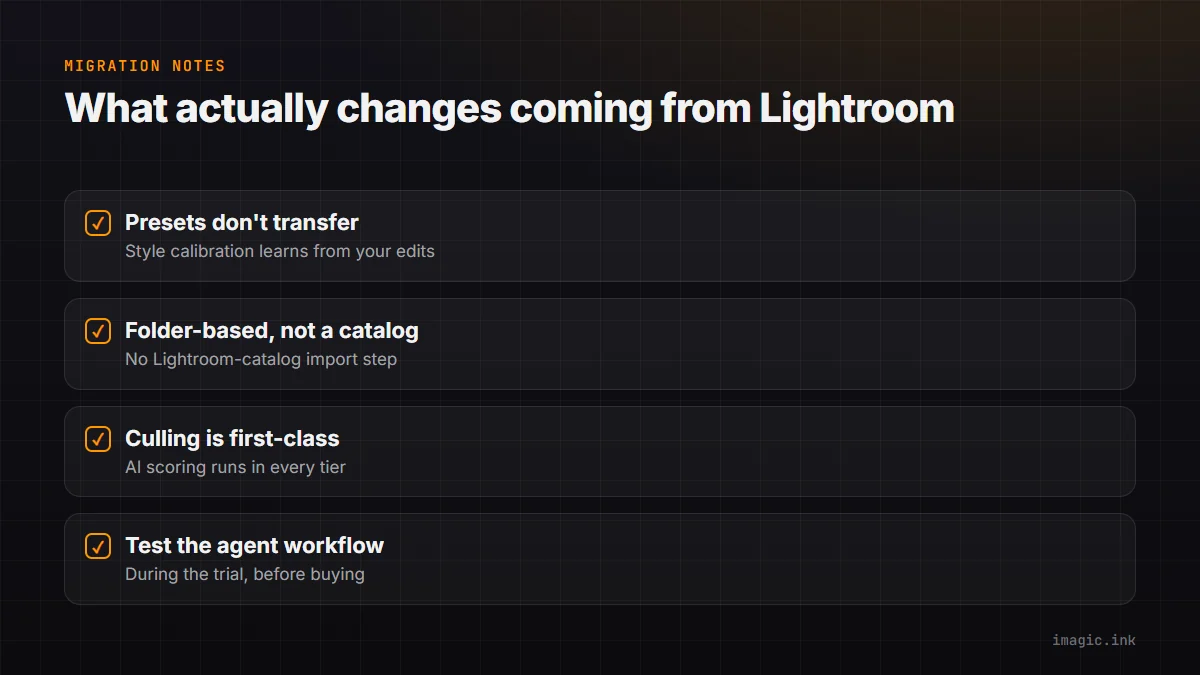
- Presets do not carry over automatically. imagic's style calibration is a different mechanism: instead of importing a preset file, you make up to 8 guided edits on your own photos and imagic learns your preferences from those choices, part of imagic Max.
- Catalogs are folder-based, not a proprietary catalog file. There is no Lightroom-catalog import step; you point imagic at your image folders directly.
- Culling is a first-class feature, not a manual flag-and-filter workflow. AI quality scoring and duplicate detection run automatically and are available in every imagic tier, including Lite.
- Test the agent workflow during the trial, not after buying. The 500-photo free trial includes everything in imagic Max, MCP and CLI access included, so you can confirm the automation actually fits your process before deciding on a tier.
A practical way to trial the switch without committing your whole library: point imagic at one recent shoot you already edited in Lightroom, run it through style calibration, and compare the two results side by side. That tells you more in an afternoon than any spec comparison, because it is your photos and your judgment, not a marketing claim.
Tier Mapping: Lite, Plus, Max
For a Lightroom user mapping tiers to habits: if you mostly do quick manual adjustments and want AI culling to speed up review, Lite (EUR 19) covers that. If you want a fuller manual editing toolset alongside culling, Plus (EUR 49) is the middle tier. If the agent workflow, MCP server, CLI, and a learned personal style matter to you, that is Max (EUR 99), and it is what the free trial gives you full access to for 7 days regardless of which tier you eventually buy.
What to Expect in the First Week
The first few days after switching are the ones that actually decide whether the move sticks. Import a shoot you already know well, ideally one you have already edited in Lightroom, so you have a baseline to compare against. Run AI culling first and check the shortlist against your own memory of the shoot: does it surface the frames you would have picked anyway? Then go through style calibration on that same shoot before touching anything else, since the learned style is only as good as the edits you feed it. Only after that comparison feels right is it worth pointing imagic at a new, unfamiliar shoot.
FAQ
Can imagic open my existing Lightroom presets?
No, presets are not portable between the two systems. imagic's style calibration builds a learned style from your own edits instead of importing a preset file.
Does imagic replace Lightroom's masking tools?
imagic has its own manual adjustment toolset; if you rely heavily on Lightroom's advanced masking specifically, compare feature-by-feature in Lightroom vs imagic before switching entirely.
Is there a free way to try the automation features before buying?
Yes, the 500-photo free trial includes everything in imagic Max, no card required, so the MCP server, CLI, and style calibration are all testable up front.
What happens to my imagic purchase if I upgrade tiers later?
Pricing is one-time per tier; there is no forced subscription. Check the current desktop pricing page for the latest tier details.
Try imagic's free 500-photo trial, no card required, the trial includes the full agent workflow: MCP server, CLI, and style calibration. Start the free trial.