FilterPixel and imagic both run AI over a shoot to catch the same core problems: out-of-focus frames, closed eyes, and near-duplicate bursts that would otherwise eat hours of manual review. The technical overlap is real. The difference that actually matters for a working photographer is what happens after the subscription lapses, and what each tool does once culling is finished. This is a straight look at both for anyone considering a filterpixel alternative.
Focus, Eyes, and Duplicate Detection: Comparable Ground
Both tools score sharpness around detected subjects rather than the whole frame, flag closed eyes on portraits and group shots, and cluster near-duplicate or burst sequences so you compare a handful of similar frames instead of dozens. Neither claims to judge composition or storytelling, both are triage tools that hand a shortlist back to the photographer for the final call. On this specific capability set, expect similar time savings from either.
What Happens When a Subscription Lapses
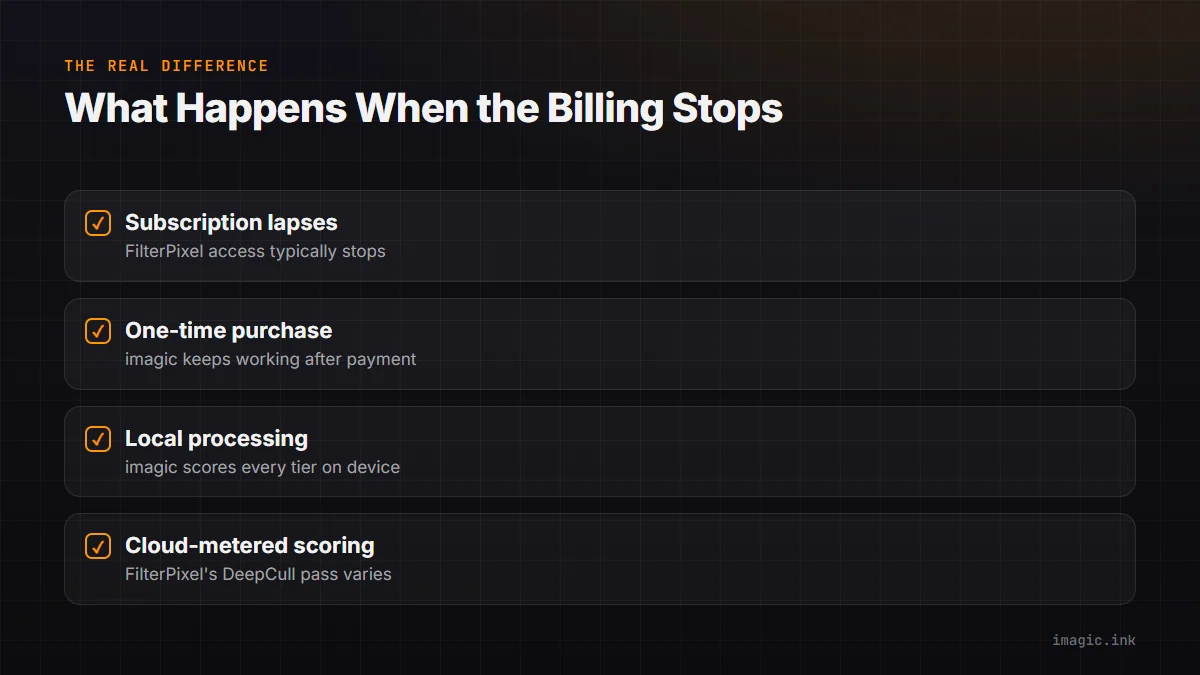
This is the practical question that matters most and gets skipped in most comparisons. FilterPixel runs on a subscription; if it lapses, access to the AI culling tool itself typically stops, meaning you would need another way to review future shoots until you resubscribe or switch tools. imagic's one-time purchase (Lite EUR 19, Plus EUR 49, Max EUR 99) means the software keeps working after payment, with no ongoing access requirement. If continuity of access matters to your workflow planning, that structural difference is worth weighing more heavily than a feature checklist.
Editing: Bundled vs Separate
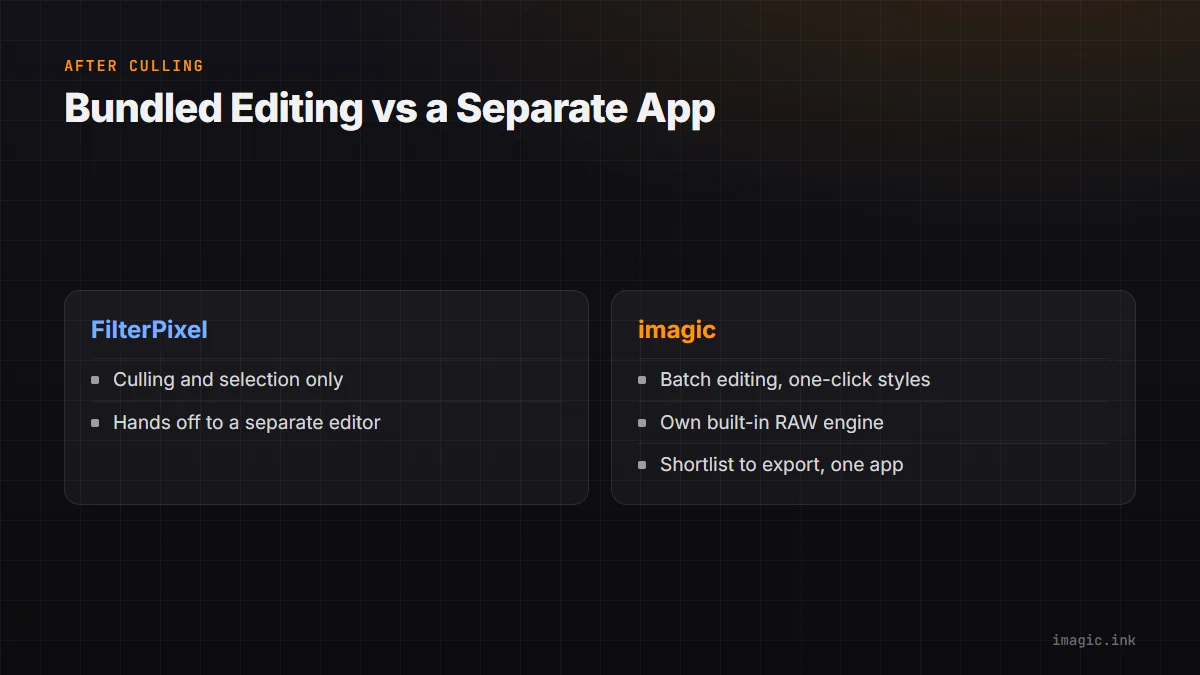
FilterPixel focuses on culling and does not include an editor, so the workflow hands off to a separate app for adjustments. imagic bundles batch editing and one-click styles into the same app the culling happened in, plus RAW processing via its own built-in RAW engine, so the shortlist goes straight to export without leaving the tool. This matters most if you are trying to consolidate your software stack rather than run a culling tool plus a separate editor.
Local Processing
imagic's AI culling and quality scoring run locally on every tier, so shoots are never uploaded to score them. Check FilterPixel's current processing location for your plan and region, since cloud-based scoring can also affect how large a batch you can process at once and how quickly results come back.
Where Each Fits
FilterPixel fits photographers who want a dedicated culling-only tool and are comfortable with an ongoing subscription for continuous updates. imagic fits photographers who want culling and editing together, paid once, with local processing built in rather than optional. See the fuller imagic vs FilterPixel comparison, and for how AI scoring holds up in practice, AI Photo Scoring Accuracy, Explained.
Testing Either Tool Honestly
Because the underlying capability is close between the two, the more useful test is not a spec sheet but a real shoot: run the same set of a few hundred frames through both tools' free offerings and compare which one flags fewer false positives on your specific subject matter, portraits behave differently from landscapes or sports under an AI scoring model. Pay attention to how each tool handles the frames it is genuinely unsure about, not just the obvious keeps and rejects, since that middle ground is where the real time savings or the real mistakes happen.
Frequently asked questions
Does imagic detect duplicates the same way FilterPixel does?
Both group near-duplicate and burst sequences so you compare a handful of similar frames rather than every individual shot; the underlying approach is comparable even though the models differ.
What happens to my past culling results if I stop paying for a subscription tool?
That depends on the vendor; check FilterPixel's specific policy on already-processed results versus ongoing access before assuming either way.
Can I edit photos inside FilterPixel after culling?
No, FilterPixel is a culling tool without a built-in editor, so edited files are handled in a separate application afterward.
Try imagic free for 500 exports, no card required, and see AI culling plus batch editing on your own shoot in one app. Start the free trial.