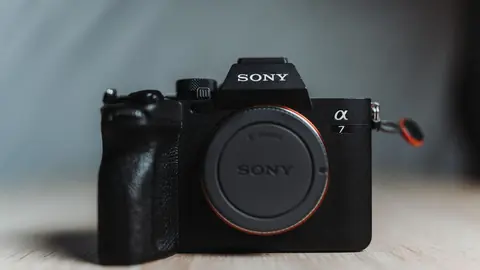
Sony A7R V Boudoir Lens and Location Guide
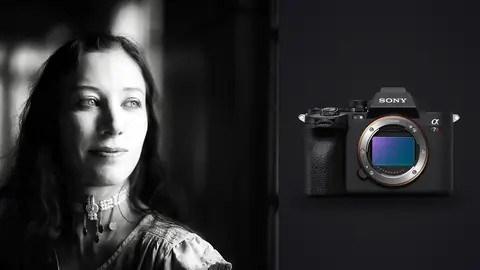
Use the Sony A7R V for careful boudoir portraiture with advanced focus, lens, lighting, posing, textile, privacy, file security, and delivery checks.
Step-by-step guides to RAW formats, camera files, batch processing, and getting specific jobs done in imagic.
Use the Sony A7R V for careful boudoir portraiture with advanced focus, lens, lighting, posing, textile, privacy, file security, and delivery checks.
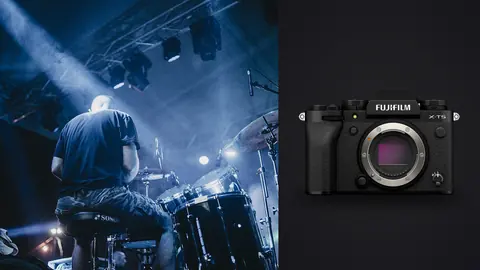
A working photographer's real-world notes on using the Fujifilm X-T5 for club and theater concerts: sensor limits, shutter choice, lens picks, AF settings, and
A practical workflow for merging and culling RAW files from a lead and second shooter: import, color matching, timestamp sync, and one cohesive gallery.
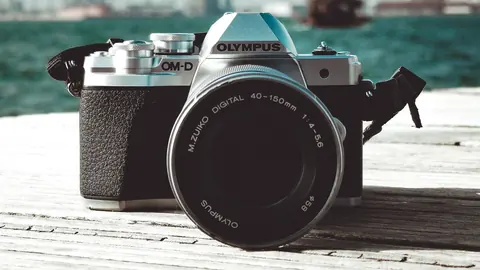
Process Olympus ORF and Panasonic RW2 files for free. imagic supports both formats with AI culling, batch processing, and a built-in RAW engine.
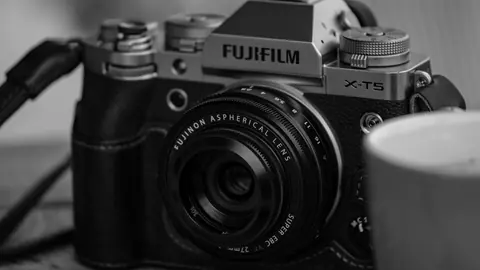
Edit Fujifilm RAF files without a Lightroom subscription. imagic pairs with open-source tools to handle X-Trans sensors.
New to imagic? A step-by-step walkthrough of installing imagic and completing your first AI-assisted photo culling session, start to finish.
Batch export photos for client delivery, web use, and print. Guide covering settings, formats, and tools including imagic.
Open, cull and edit Sony ARW RAW files from any Alpha camera without a subscription: imagic, darktable and RawTherapee compared, plus the ARW quirks worth knowing.
Edit Nikon NEF RAW files without a Lightroom subscription. Compare imagic, darktable, RawTherapee, and Nikon NX Studio for NEF culling and processing.
Free CR2 and CR3 editors compared: open, cull and edit Canon RAW files without a subscription. imagic, darktable and RawTherapee, and which one fits each job.
Manage RAW files professionally with this complete guide covering folder structure, naming conventions, backup strategy, culling, and long-term archiving.
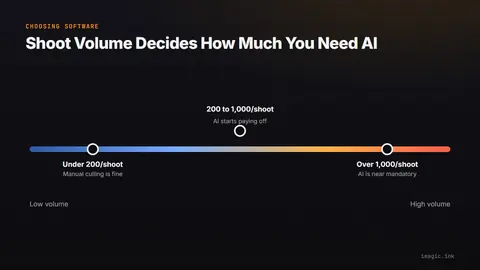
Choosing photo culling software depends on your shooting style, volume, and budget. This guide helps photographers match the right tool to their workflow.
New to photo post-processing? This beginner's guide covers import, backup, culling, RAW editing, retouching, and export in plain language.
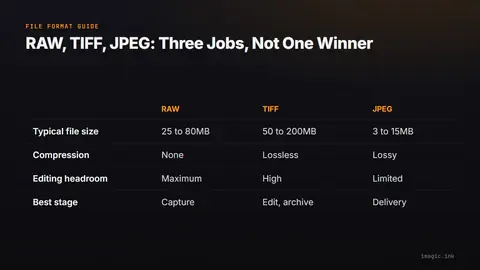
TIFF vs JPEG vs RAW explained: the real differences, quality tradeoffs, and when each format fits a photography workflow from capture to delivery.
Master photo color grading with this complete guide. Learn the difference between correction and grading, and techniques for consistent results.
Batch edit photos without a subscription. Learn how to use free tools including imagic, darktable, and RawTherapee for efficient batch processing.
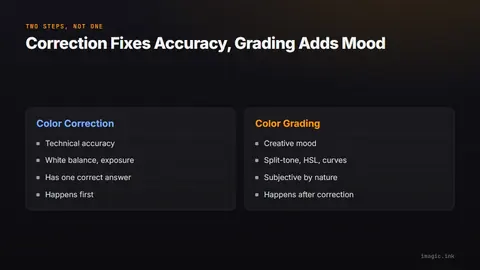
Color grading vs color correction explained: what each step actually fixes, why order matters, and how to build both into one workflow.
Managing 10,000+ photos without Lightroom is achievable with the right folder structure, free DAM tools, and AI culling workflow. Here is how to do it.
Photo culling is the process of selecting your best shots from a large shoot. Learn how it works, why it matters, and how AI tools speed it up.
Try imagic free for 500 exports with no card required, then keep AI culling, duplicate removal, and batch editing with a one-time license from €19 — no subscription.
Download imagic Desktop